


10 Best AI Tools for Ecommerce Photos (Free & Paid)

Product photography can make or break an online listing, and most Indian sellers already know the cost of doing it the traditional way. A single studio shoot can run ₹10,000 to ₹50,000, and that cost multiplies fast once you're photographing 50 SKUs every season.
This guide compares the best AI tools for ecommerce product photography for Amazon, Flipkart, and Shopify sellers who want professional-looking product images without booking a studio, hiring a model, or waiting days for edited photos. You'll find a quick comparison table, a breakdown of what each AI product photography tool for ecommerce actually does, category-specific picks, realistic pricing in India, and honest answers about where AI still falls short.
Quick Comparison: Best AI Tools for Ecommerce Product Photography
Here's a scannable overview before you dive into details. "Real product upload" means the tool lets you start from your own product photo rather than generating one from scratch.
| AI Tool | Best For | Real Product Upload | AI Backgrounds | Virtual Models | Free Option | Price |
|---|---|---|---|---|---|---|
| AI Studio | Fashion, jewelry, D2C catalogs | Yes | Yes | Yes | Free trial | From ~₹600/month |
| Remove.bg | Quick background removal | Yes | No (removal only) | No | Yes | Free / paid credits |
| Photoroom | Mobile-first sellers, low volume | Yes | Yes | No | Yes | Free + paid plans |
| Canva AI | Ad creatives, social posts | Yes | Yes (Magic Edit) | No | Yes | Free + paid plans |
| Adobe Firefly | Photoshop/Express users | Yes | Yes (Generative Fill) | No | Yes | Free + paid plans |
| Pebblely | Skincare, packaged goods | Yes | Yes | No | Free trial | Paid plans from low cost |
| Flair AI | Brand creative control | Yes | Yes | No | Verification needed | Verification needed |
| Claid.ai | Large-scale catalog processing | Yes | Yes | No | Verification needed | Verification needed |
| Mokker AI | Home decor, small electronics | Yes | Yes | No | Free plan (limited) | Verification needed |
| Pixelcut AI | Batch editing, social + store | Yes | Yes | No | Free + paid plans | Verification needed |
10 Best AI Tools for Ecommerce Product Photos
Below is a closer look at each tool, based on their documented features and how well they fit ecommerce use cases.
1. AI Studio (tryaistudio.app)
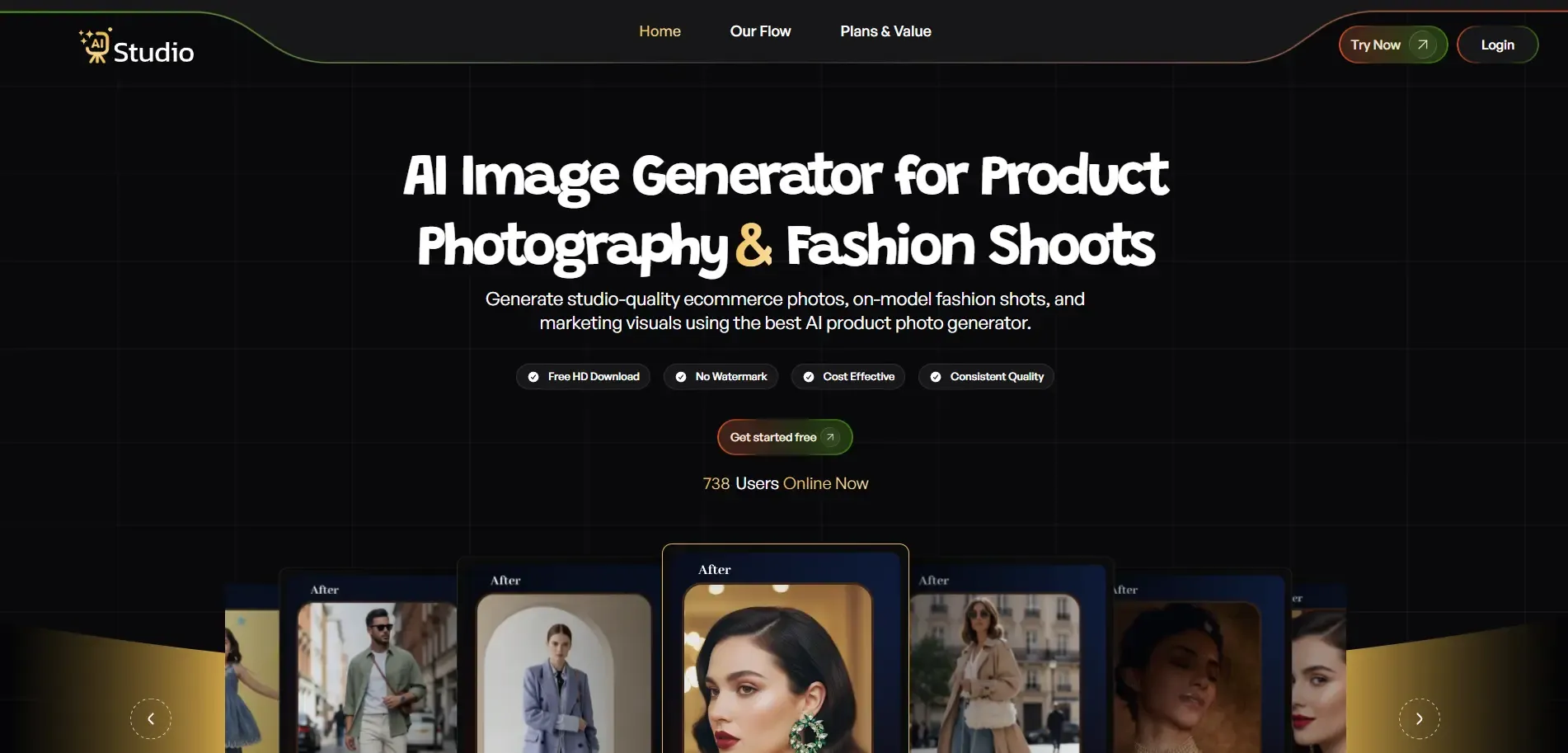
Best for: Fashion, jewelry, and accessory brands that want consistent catalog images with virtual models. Key features: AI product photography with virtual models, background generation for ecommerce and social media, support for fashion, jewelry, footwear, and accessories. Real product image upload: Yes. Free option: Free trial available. Starting price: Around ₹600/month.
AI Studio is built as an end-to-end tool for ecommerce and D2C brands, covering everything from background removal to full lifestyle scenes. It's particularly suited to fashion, jewelry, and accessories, categories that are traditionally the hardest to photograph well.
Instead of booking a ₹20,000 shoot, sellers can generate a consistent set of catalog images and even show clothing on AI-generated virtual models, which helps brands that can't afford traditional model photography.
Pros
- Works with real product photos rather than only generating images from scratch
- Covers fashion, jewelry, and accessories, categories many generic tools handle poorly
- Priced within reach for small and growing D2C brands
Cons
- Best suited to fashion and accessory categories; may be less specialized for bulky items like furniture
Our take: A solid pick if your catalog is fashion- or accessory-heavy and you want to replace a traditional model shoot without hiring one.
2. Remove.bg

Best for: Fast, no-frills background removal. Key features: Automatic background removal, transparent or white background export. Real product image upload: Yes. Free option: Yes. Starting price: Free tier with paid credit packs for higher volume.
Remove.bg is a basic but reliable tool. It removes backgrounds quickly but doesn't generate new scenes or lifestyle backgrounds. For Amazon and Flipkart sellers who just need a clean white or transparent background for the main listing image, this is often enough.
Pros
- Very fast and simple to use
- Free tier is genuinely usable for low volume
Cons
- Does not create new backgrounds or lifestyle scenes
- Not a full product photography solution on its own
Our take: Good as a first step or a lightweight tool for compliance-only background removal.
3. Photoroom
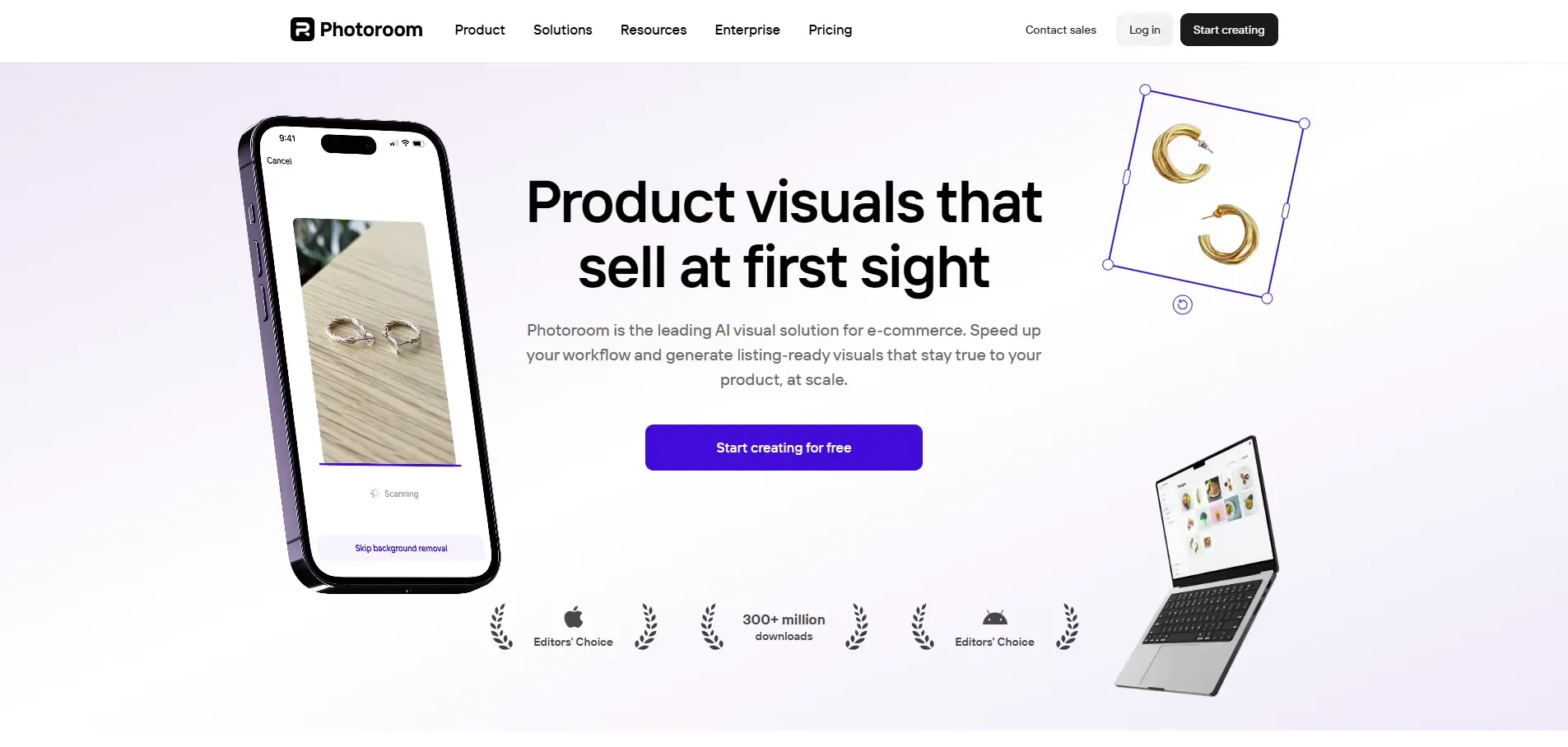
Best for: Low-volume sellers who want to shoot and edit from a phone. Key features: Background removal, new scene generation, basic editing, mobile app. Real product image upload: Yes. Free option: Yes. Starting price: Free plan available; paid plan adds templates and batch processing.
Photoroom is a mobile-first app that lets sellers capture and edit product photos directly. The free version works fine for low-volume sellers, while the paid plan adds more templates and batch processing for larger catalogs.
Pros
- Mobile-first, easy for sellers without a laptop workflow
- Free plan is a reasonable starting point
Cons
- Batch processing and advanced templates are paid-only
Our take: A practical choice for small sellers managing photos entirely from a phone.
4. Canva AI
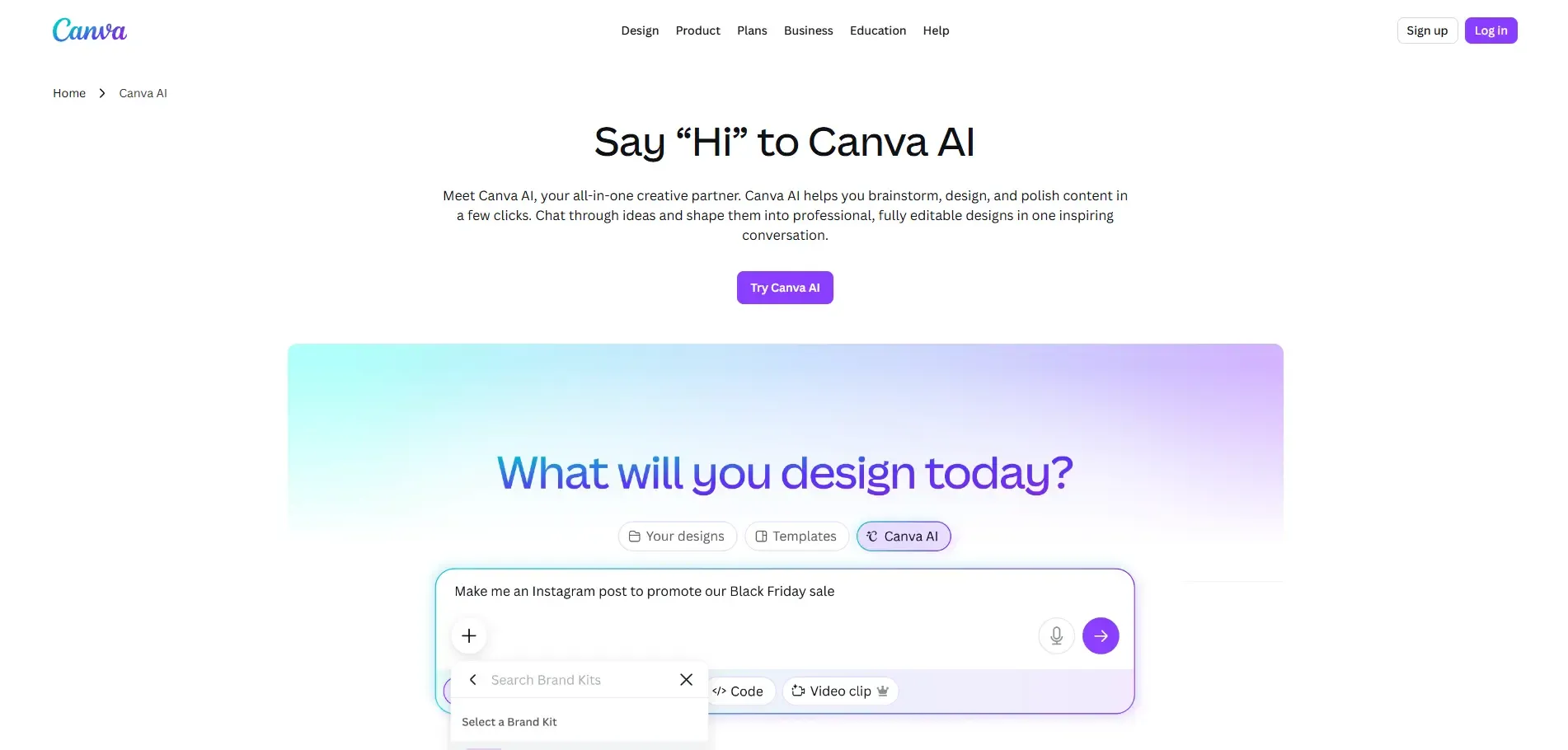
Best for: Sellers who already use Canva for ad creatives and social posts. Key features: Background removal, Magic Edit for altering specific image areas, AI image generation. Real product image upload: Yes. Free option: Yes. Starting price: Free plan; paid Canva Pro adds more AI credits and features.
Most Indian sellers already use Canva for creatives, so its AI features are a natural extension. Canva AI works better for enhancing existing product photos for ad and social creatives than as a primary catalog image generator.
Pros
- Familiar interface if you already use Canva
- Useful for ad and social creatives, not just listing images
Cons
- Less specialized for pure product photography than dedicated tools
Our take: Best treated as a complementary tool for marketing creatives rather than your main catalog image source.
5. Adobe Firefly
Best for: Existing Photoshop or Adobe Express users. Key features: Generative Fill for backgrounds, integration with Photoshop and Express. Real product image upload: Yes. Free option: Yes, with usage limits. Starting price: Free tier; paid plans tied to Adobe's Creative Cloud pricing.
Adobe Firefly is Adobe's AI image tool, and its generative fill feature gives strong results for background creation. It works best for sellers who already have some Adobe skills, making it a natural upgrade path for existing Photoshop users.
Pros
- High-quality generative fill results
- Fits naturally into an existing Adobe workflow
Cons
- Steeper learning curve for sellers without Adobe experience
Our take: A strong option if you're already in the Adobe ecosystem; less ideal as a first tool for beginners.
6. Pebblely
Best for: Skincare, packaged goods, and food products. Key features: Background style selection, scene generation from an uploaded product photo. Real product image upload: Yes. Free option: Free trial. Starting price: Low-cost paid plans (verification needed for current pricing).
Pebblely specializes in clean product scenes and works particularly well for skincare items, packaged goods, and food products. Sellers upload a product photo, choose a background style, and the tool generates the scene.
Pros
- Strong at packaged goods and skincare categories
- Free trial lets you test quality before paying
Cons
- Current pricing tiers should be verified directly on the tool's site before budgeting
Our take: Worth testing if your catalog is mostly bottles, jars, or packaged products.
7. Flair AI
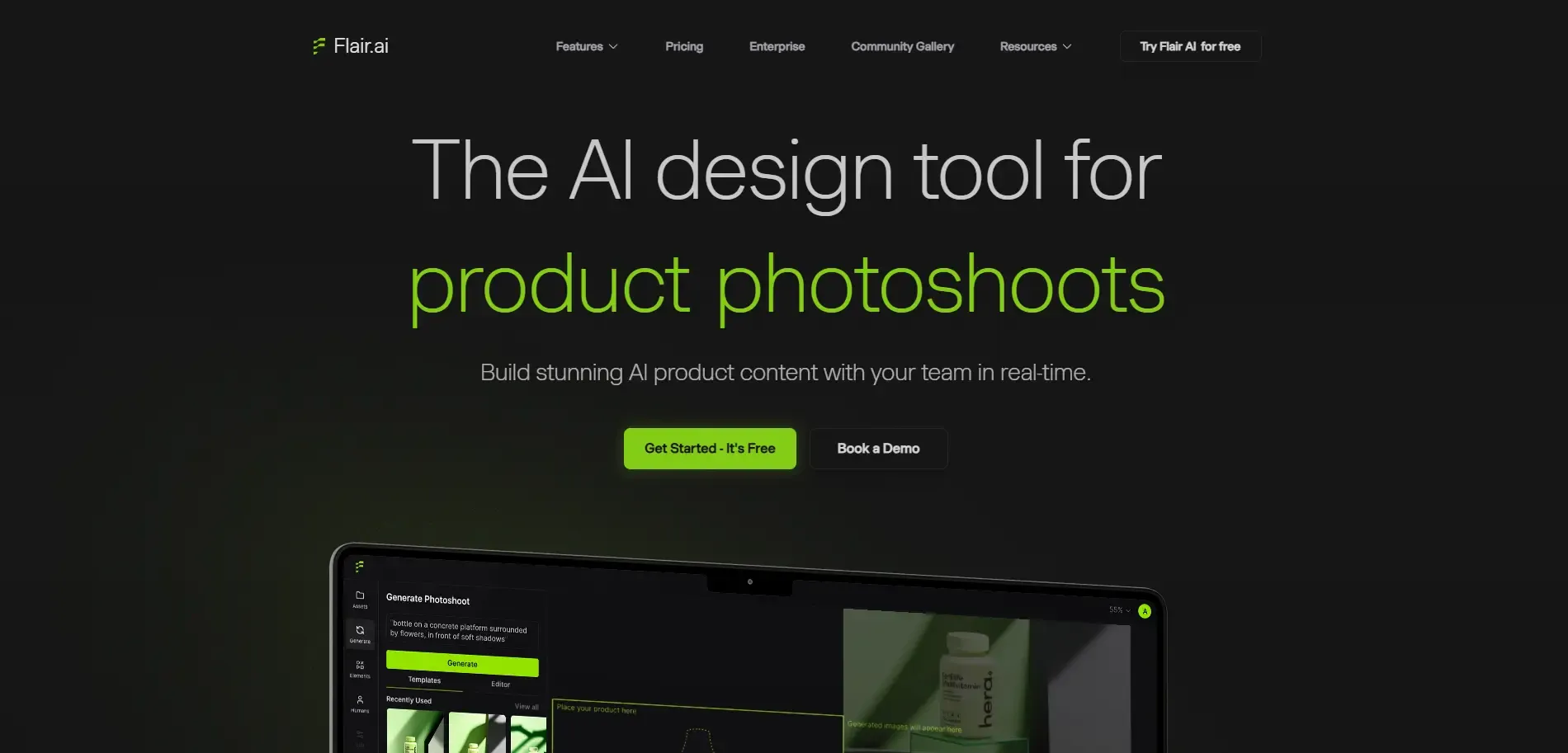
Best for: Brands that want creative control over scene composition. Key features: Drag-and-drop canvas for positioning products and props, AI-generated backgrounds. Real product image upload: Yes. Free option: Verification needed. Starting price: Verification needed.
Flair AI gives users a drag-and-drop canvas to position products and props while the AI fills in the rest of the scene. It suits brands that want more creative input into their automated photography rather than a fully automatic output, though it comes with a slightly steeper learning curve.
Pros
- More creative control than fully automated tools
- Good for brands with a specific visual style in mind
Cons
- Requires more setup time and a learning curve
- Pricing and free-plan details should be confirmed on the current site
Our take: Best for brands with design resources who want to art-direct their AI photos rather than accept a default output.
8. Claid.ai
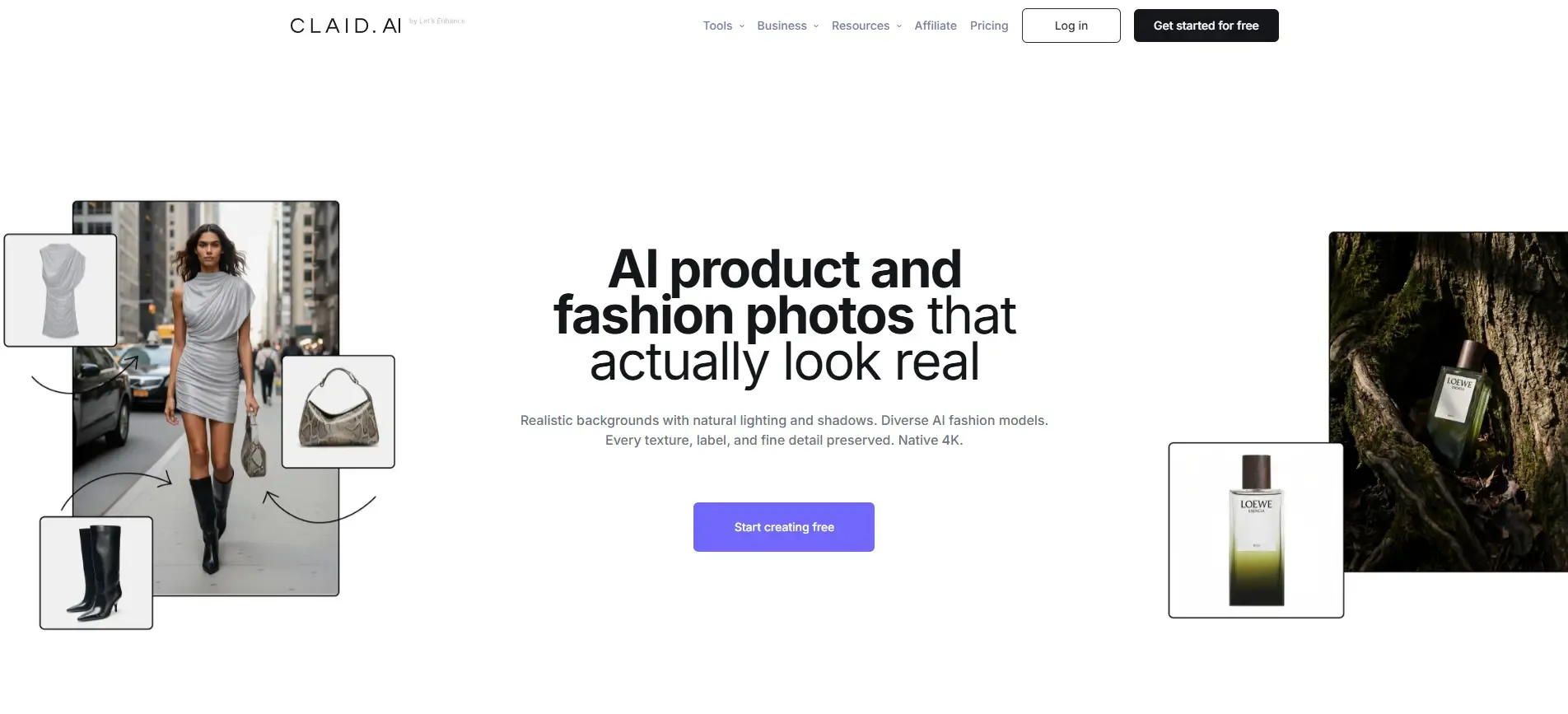
Best for: Large retailers processing high volumes of existing images. Key features: Bulk upscaling, sharpening, and background replacement. Real product image upload: Yes. Free option: Verification needed. Starting price: Verification needed.
Claid.ai is built for processing large batches of existing product images, handling upscaling, sharpening, and background replacement at scale. It offers a non-developer interface but is primarily aimed at developers and larger retail teams doing bulk transformations.
Pros
- Built for scale and bulk catalog processing
- Useful for improving existing image quality, not just generating new scenes
Cons
- Geared more toward developers and larger teams than solo sellers
- Pricing should be confirmed directly, as it is not consistently published
Our take: A fit for larger catalogs that need automated, high-volume image cleanup rather than one-off scene generation.
9. Mokker AI
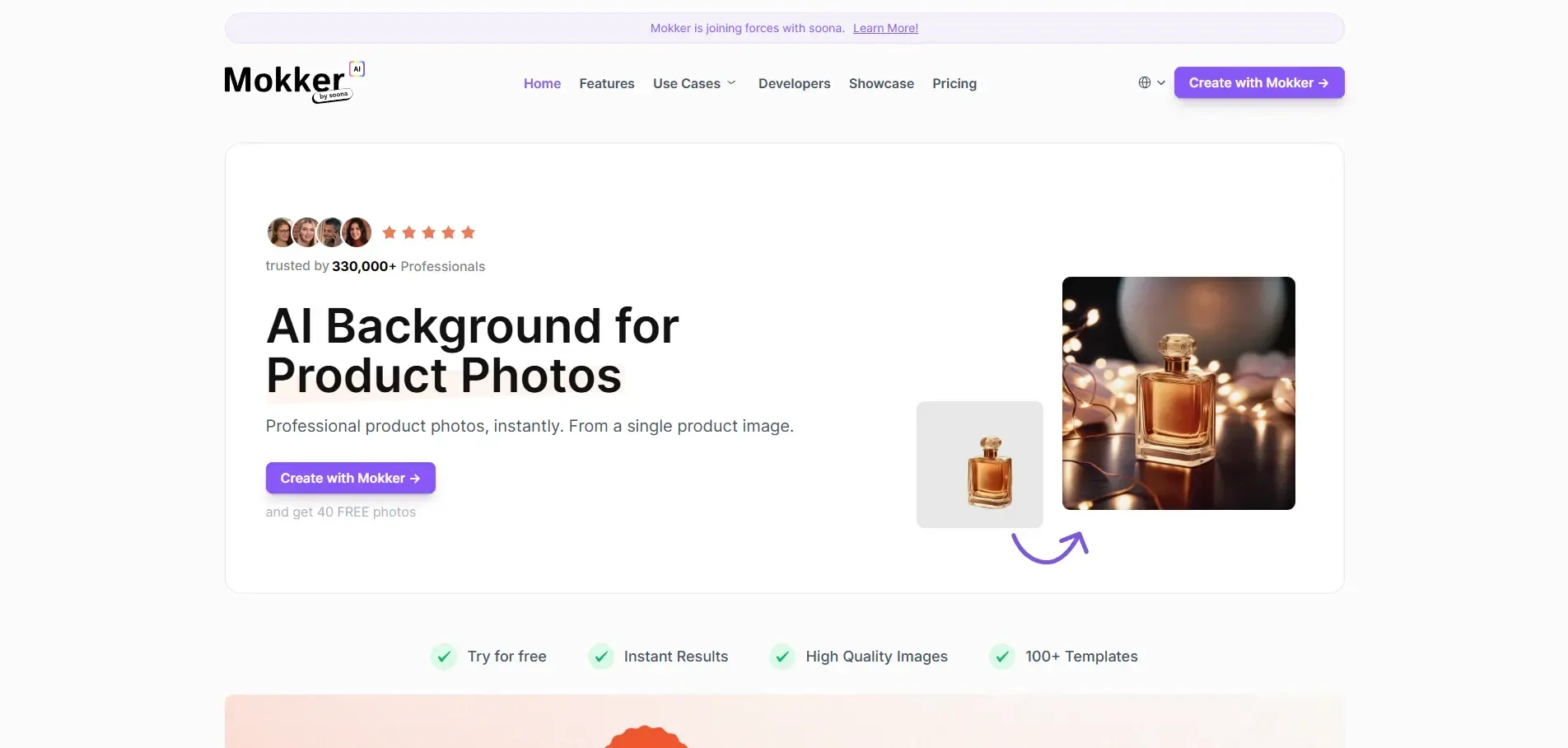
Best for: Home decor, small electronics, and lifestyle products. Key features: Automatic placement of products into lifestyle environments. Real product image upload: Yes. Free option: Free plan with limited generations. Starting price: Verification needed.
Mokker AI places products into realistic lifestyle environments and works well for home decor items, small electronics, and general lifestyle products. Its free plan allows a limited number of generations, which is useful for testing before committing.
Pros
- Handles lifestyle-context images well
- Free plan is enough to evaluate output quality
Cons
- Free plan generation limits may not suit larger catalogs
- Current pricing should be verified before budgeting
Our take: A reasonable choice for home and lifestyle categories that need context-rich backgrounds.
10. Pixelcut AI
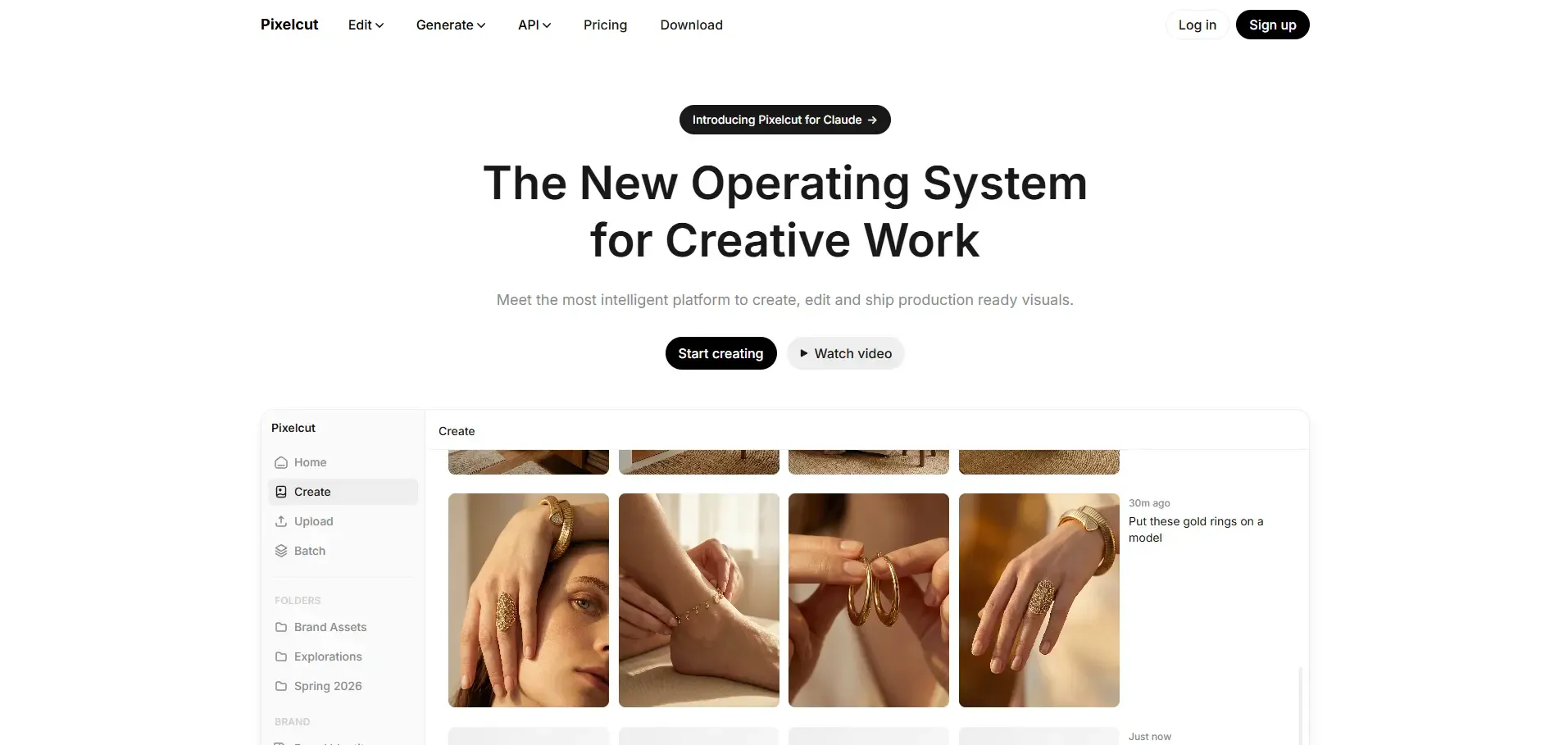
Best for: Sellers and creators who want an all-in-one editor for store and social content. Key features: Magic Eraser, AI Backgrounds, and batch editing. Real product image upload: Yes. Free option: Yes. Starting price: Free plan; paid tiers for higher usage (verification needed for exact pricing).
Pixelcut AI is a photo editing tool aimed at creators, marketers, and ecommerce sellers. It combines background removal, image enhancement, and AI-generated visuals in one interface, with three core tools: Magic Eraser, AI Backgrounds, and batch editing.
Pros
- Combines multiple editing tools in one app
- Batch editing helps with catalog-level consistency
Cons
- General-purpose tool, so it may be less specialized than category-focused options for jewelry or fashion
Our take: A flexible option if you want one tool that covers both storefront images and social content.
Best AI Ecommerce Tools That Work With Real Product Images
If you already have product photos and need AI to turn them into ecommerce-ready visuals, most tools in this list support real product image upload, meaning you start from your own photo rather than a generated one. AI Studio, Photoroom, Canva AI, Adobe Firefly, Pebblely, Flair AI, Claid.ai, Mokker AI, and Pixelcut AI all let you upload an existing product photo and then remove or replace the background, add lighting adjustments, or place the product into a new scene. Remove.bg works the same way but stops at background removal.
None of these tools can guarantee pixel-perfect preservation of every product detail; results vary by product type, image quality, and background complexity. The table below summarizes what each tool can do with a real product photo.
| Tool | Starts From Your Photo | Background Generation | Lifestyle Scenes | Virtual Models | Catalog Scale |
|---|---|---|---|---|---|
| AI Studio | Yes | Yes | Yes | Yes | Yes |
| Remove.bg | Yes | No | No | No | Limited (removal only) |
| Photoroom | Yes | Yes | Yes | No | Yes (paid) |
| Canva AI | Yes | Yes | Limited | No | Limited |
| Adobe Firefly | Yes | Yes | Yes | No | Yes |
| Pebblely | Yes | Yes | Yes | No | Yes |
| Flair AI | Yes | Yes | Yes | No | Yes |
| Claid.ai | Yes | Yes | Limited | No | Yes |
| Mokker AI | Yes | Yes | Yes | No | Verification needed |
| Pixelcut AI | Yes | Yes | Yes | No | Yes |
Practical tip: Start with a sharp, well-lit base photo. No AI tool listed here can reliably fix a blurry or poorly lit source image, they enhance what's already there rather than replace missing detail.
How to Create Ecommerce-Compliant Product Images With AI
AI tools can speed up the process of creating listing-ready images, but using AI doesn't automatically make an image compliant with a marketplace's rules. Always check the current image requirements on Amazon, Shopify, or Flipkart before publishing, since these policies change and vary by category.
Amazon Product Images
Amazon typically requires the main image to be on a pure white background, with the product filling most of the frame and no added text, watermarks, or props. AI background removal tools like Remove.bg or AI Studio can help you meet the white-background requirement quickly, but you should confirm the latest specifications on Amazon Seller Central before uploading, since requirements can differ by category.
Shopify Product Images
Shopify doesn't enforce a single background standard the way Amazon does, which gives sellers more flexibility. This makes it a good place to use AI-generated lifestyle backgrounds or styled scenes rather than just plain white backgrounds, as long as the images stay clear and accurately represent the product.
Flipkart Product Images
Flipkart has its own listing image guidelines, generally favoring clean, well-lit images with the product clearly visible. As with Amazon, sellers should check Flipkart's current seller guidelines rather than assuming an AI-generated image automatically qualifies.
AI Lifestyle Mockups
Lifestyle mockups, images showing a product in use or in context, work well as secondary or A+ Content images rather than the primary listing image. Tools like AI Studio, Pebblely, Mokker AI, and Flair AI are built for generating these kinds of scenes. Keep your main listing image compliant with the marketplace's core requirements, and reserve creative lifestyle images for secondary slots where platforms allow more flexibility.
How Much Do AI Product Photography Tools Cost in India?
Most AI product photography tools follow a freemium model: a limited free plan to test the tool, and paid plans starting anywhere from a few hundred to a few thousand rupees per month depending on volume and features. Exact pricing changes frequently, so treat the figures below as a general guide and confirm current pricing on each tool's website before purchasing.
| Tool | Free Plan/Trial | Starting Price | Approx. INR | Best For |
|---|---|---|---|---|
| AI Studio | Free trial | ~₹600/month | ~₹600/month | Fashion, jewelry, D2C catalogs |
| Remove.bg | Yes | Pay-per-credit | Verification needed | Quick background removal |
| Photoroom | Yes | Paid tier for templates/batch | Verification needed | Mobile-first, low volume |
| Canva AI | Yes | Canva Pro subscription | Verification needed | Ad and social creatives |
| Adobe Firefly | Yes (limited) | Creative Cloud pricing | Verification needed | Photoshop/Express users |
| Pebblely | Free trial | Low-cost entry plan | Verification needed | Skincare, packaged goods |
| Flair AI | Verification needed | Verification needed | Verification needed | Creative control, custom scenes |
| Claid.ai | Verification needed | Verification needed | Verification needed | Large-scale catalog processing |
| Mokker AI | Free plan (limited) | Verification needed | Verification needed | Home decor, electronics |
| Pixelcut AI | Yes | Paid tier for higher usage | Verification needed | Batch editing, all-round use |
Free AI Product Photography Tools
Free plans typically cap you at a small number of monthly downloads, often somewhere between 5 and 25 images, with some tools also limiting resolution or adding a watermark. These are worth using to test output quality before committing to a paid plan, and they can be genuinely sufficient for very low-volume sellers.
Affordable Options for Small Businesses
For sellers on a tight budget, entry-level paid plans in the ₹600 to ₹1,500 per month range are common among the tools covered here, though you should confirm current pricing directly since plans and tiers change. That's still far cheaper than a single traditional photoshoot, which can run ₹30,000 or more.
Are Paid AI Photo Tools Worth It?
For sellers who need consistent, ongoing product images, a paid plan is generally worth it once you're photographing more than a handful of SKUs a month. The math is straightforward: a monthly subscription that costs a few hundred to a couple thousand rupees typically works out cheaper than one traditional photoshoot, and you get the flexibility to regenerate images anytime rather than re-booking a studio.
Best AI Product Photography Tools by Ecommerce Category
Different product categories have different photography challenges, so no single tool is the best fit for everything. Here's how the tools covered above line up with common categories, based on their documented strengths.
Best AI Tool for Fashion Product Photography
AI Studio is built specifically for fashion, offering virtual models so brands can show clothing without hiring one. Pixelcut AI is a reasonable second option to test for fashion catalogs that don't need virtual models.
Best AI Tool for Beauty and Skincare Products
Pebblely and Flair AI both handle bottles, jars, and packaged goods well, making them suited to beauty and skincare brands that need clean, consistent product scenes.
Best AI Tool for Home and Furniture Products
Mokker AI focuses on placing products into realistic lifestyle environments, which fits home decor and furniture items that benefit from in-context photography. For larger furniture catalogs, verify that a tool handles bulky, non-flat-lay items well before committing, since this article doesn't have documented evidence on that specific capability.
Best AI Tool for Jewelry and Reflective Products
Jewelry photography has to deal with reflective surfaces, fine detail, and sparkle, which is difficult for many general-purpose tools. Pebblely and AI Studio are the two options in this list with documented support for jewelry and accessories. A sharp, well-lit base photo matters even more for this category, since AI can enhance a scene but can't fix a blurry starting image.
Best AI Tool for Handmade Products
There isn't enough documented evidence in this article to confidently name a single best tool for handmade goods specifically. General-purpose tools like Photoroom or Pixelcut AI are reasonable starting points given their flexibility and free plans, but test output against your specific products before committing to a paid plan.
Best AI Tool for Large Ecommerce Catalogs
Claid.ai is built for bulk processing of existing images at scale, making it the most relevant option here for large retailers. Photoroom and Pixelcut AI also offer batch processing features that suit growing catalogs.
How AI Can Improve Existing Product Photos
AI product photography tools can enhance photos you've already taken rather than requiring a full reshoot every time. Common improvements include:
- Background removal: isolating the product from its original background
- Background replacement: placing the product into a new studio or lifestyle scene
- Lighting and shadow adjustment: making the product look more naturally lit
- Image cleanup: removing dust, minor blemishes, or distracting elements
- Resizing and cropping: fitting marketplace-specific dimensions
- Resolution enhancement: upscaling lower-resolution images for larger displays
- Lifestyle scene generation: placing the product in a context-appropriate setting
- Marketplace-ready variants: generating multiple background or crop versions from one base photo
These improvements work best when the original photo is reasonably sharp and well-lit. AI can enhance and adjust an image, but it can't always fully repair a badly out-of-focus or poorly exposed source photo. Starting with a decent base image, even a simple phone photo against a plain background, will get noticeably better results than trying to fix a low-quality one after the fact.
Best AI Photo Editor for Ecommerce Images
An AI photo editor primarily improves or modifies an image you already have, adjusting things like background, lighting, sharpness, or cropping. An AI image generator, by contrast, creates new visual elements from scratch, such as backgrounds, lifestyle scenes, or virtual models, based on your uploaded product.
In practice, most modern tools blend both functions. If you mainly need to clean up and adjust existing photos, Remove.bg and Photoroom lean more toward editing. If you want the AI to build out entirely new scenes or virtual models around your product, AI Studio, Pebblely, Flair AI, and Mokker AI lean more toward generation. Adobe Firefly and Canva AI sit in between, offering both editing tools and generative features like Magic Edit and Generative Fill.
AI Product Photography vs Traditional Product Photography
AI product photography and traditional studio photography solve different problems, and the right choice depends on your budget, timeline, and how much creative control you need.
| Factor | AI Product Photography | Traditional Photography |
|---|---|---|
| Cost | Roughly ₹600 to ₹2,000/month for ongoing use | ₹30,000 to ₹60,000+ per shoot |
| Speed | Seconds to minutes per image | Days, including editing turnaround |
| Scalability | Easy to scale to large catalogs | Expensive and slow to scale |
| Product accuracy | Generally good, but not guaranteed to preserve every detail perfectly | High, since it's a real photo of the real product |
| Lifestyle scenes | Fast to generate, multiple variations possible | Requires props, sets, and additional shoot time |
| Creative control | Limited to what the tool's presets and prompts allow | Full control over lighting, angles, and styling |
| Large catalogs | Well suited, especially with batch tools | Costly and time-consuming at scale |
Traditional photography still has an edge when a brand needs precise creative direction, hero shots for a campaign, or images where absolute product accuracy is critical, such as fine jewelry for a high-end campaign or products where color accuracy is legally significant. For most catalog and listing images, though, AI tools offer a faster and cheaper path to consistent results.
How to Choose the Right AI Product Photography Tool
Choosing the right tool comes down to matching its capabilities to your catalog size, category, and budget.
Product Accuracy
Check how well a tool preserves your product's actual shape, color, and details. This matters most for categories like jewelry, electronics, or anything with fine print or logos.
Image Quality
Look at output resolution and sharpness, especially if your marketplace requires a minimum pixel size, such as Amazon's 1000x1000px requirement for zoom functionality.
Real Product Upload Support
Confirm the tool lets you start from your own product photo rather than only generating stock-style images. This is essential for maintaining accuracy to what you're actually selling.
Bulk Generation
If you manage a large catalog, prioritize tools with batch processing so you're not uploading and editing one image at a time.
Ecommerce Platform Compatibility
Check that export dimensions and formats match what Amazon, Shopify, or Flipkart require, so you're not manually resizing every image afterward.
Pricing
Compare free plan limits and paid plan pricing against your actual monthly image volume, not just the headline price.
Commercial Usage Rights
Before publishing AI-generated images on your store, verify the tool's terms of service around commercial use. Not every free plan permits commercial use, and this varies by tool, so check current terms directly rather than assuming.
Free vs Paid AI Product Photography Tools
Budget is often the deciding factor for small sellers, and it's a reasonable place to start.
Free AI tools for ecommerce photography are useful for testing output quality and handling very low volumes, but they typically come with limits: a capped number of monthly generations, lower export resolution, watermarks on some tools, or restrictions on commercial use. Paid plans remove most of these limits and add batch processing, higher resolution exports, and more background or scene options.
For small businesses working with a tight budget, a practical approach is to start on a free plan to evaluate quality, then move to an entry-level paid plan, generally in the ₹600 to ₹1,500/month range across the tools covered here, once you need consistent, higher-volume output. This is still far cheaper than even a single traditional photoshoot.
Common Problems With AI Product Photography
AI product photography tools have real limitations, and knowing them upfront helps you avoid publishing unusable images.
Product Shape Changes
AI can occasionally distort a product's proportions, especially with unusual shapes. Always compare the generated image against the original before publishing.
Logo and Text Distortion
Fine text and logos are one of the harder things for AI to render accurately. Zoom in on any generated image with visible branding or text before using it live.
Incorrect Colors
Background generation can sometimes shift the perceived color of a product due to lighting or reflection effects. Check generated images against your actual product color under neutral lighting.
Unrealistic Shadows
AI-generated shadows don't always match the light source of the new background convincingly. This is worth a manual review, particularly for hero images.
Reflective Products
Glass, metal, and glossy surfaces are difficult for AI to render naturally, since they pick up reflections from the AI-generated environment. Categories like jewelry need extra scrutiny here.
Transparent Products
Similarly, transparent items like glass bottles or acrylic products can confuse background removal and generation, sometimes creating odd edges or fill artifacts.
Unnatural Hands or Models
Virtual model features can occasionally produce unnatural hands, poses, or proportions. Always review model-based generations closely before publishing.
Inconsistent Catalog Images
Using different tools or settings across a catalog can create a mismatched look. Stick to one tool and one background style per product line to keep your storefront visually consistent.
General advice: Treat AI-generated images as a fast first draft, not a guaranteed final output. A quick manual review of each image before it goes live catches most of these issues.
Which AI Product Photography Tool Is Best?
There's no single tool that wins in every category, but based on the documented features covered in this guide, here's how they stack up by use case.
Best overall: AI Studio, for its combination of real product upload, background generation, and virtual models at an accessible price point for fashion and accessory brands.
Best for fashion: AI Studio, given its dedicated virtual model support for clothing brands.
Best for small businesses: Photoroom or Pebblely, both offering usable free plans and low-cost entry pricing.
Best for AI backgrounds: Flair AI, for brands that want more creative control over scene composition, or Pebblely for packaged goods.
Best free option: Remove.bg for pure background removal, or Photoroom if you also want basic scene generation on a free plan.
Best for large catalogs: Claid.ai, given its focus on bulk processing of existing product images.
If you're unsure where to start, pick one or two tools with a free plan and test them against your actual product photos, and compare the output before committing to a paid subscription.
Conclusion
Choosing the right AI tools for ecommerce product photography really comes down to your product category, budget, catalog size, and how your team likes to work. Some sellers just need quick background cleanup, while others want lifestyle scenes, virtual models, or batch editing across hundreds of SKUs. Tools like AI Studio show how these features can work together for fashion and accessory catalogs, but no single tool fits every seller equally well.
Before committing to a paid plan, test a couple of options using your own product photos and compare the results. AI can genuinely save time and cut down the cost of ecommerce photography, but every generated image still deserves a quick manual check for accuracy before it goes live. Start small, review closely, and scale up once you find a tool that fits your catalog.