


Best AI Product Photography for Small Business Owners.
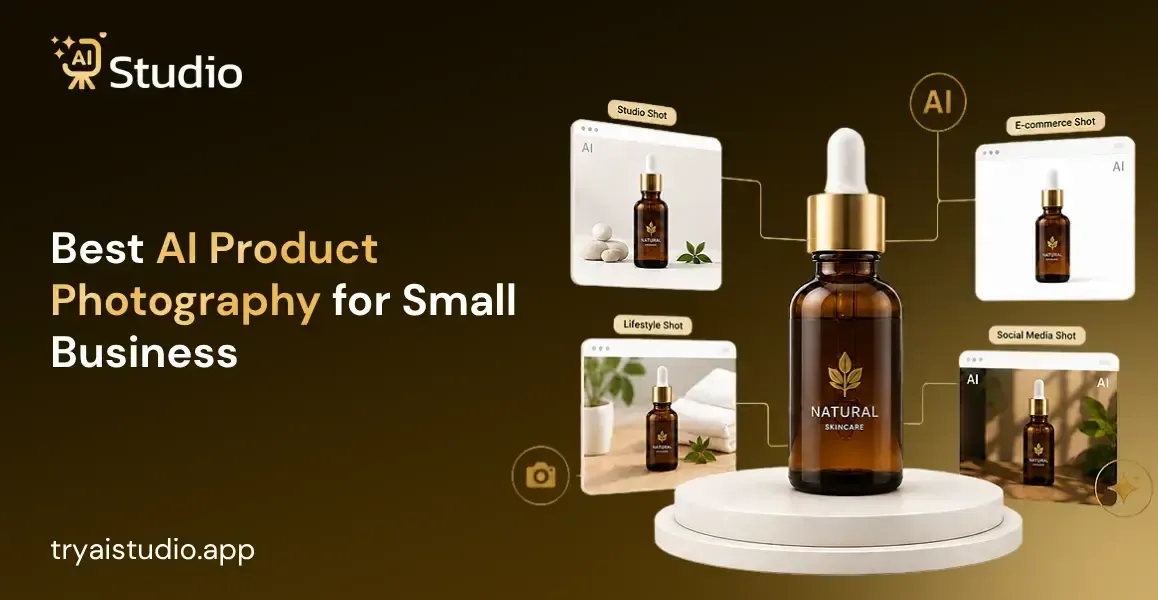
Running a small business in India means every rupee counts, and if you have ever booked a product photoshoot, you kinda know how quickly costs pile up: studio booking, photographer fees, model charges, background setup, editing time, it all adds up.
By the end of it, one shoot can easily cost you ₹15,000 to ₹50,000. For a seller trying to grow on Amazon, Flipkart, or Shopify, this isn't only expensive, it is kinda painful. AI product photography for small businesses is changing all of this. Now, you can upload one product image and get a studio-quality photo back in under 10 seconds. No studio. No photographer. No waiting days for edits.
This guide will walk you through everything you need to know, like what AI product photography actually means, how it compares with traditional shoots, which tools work best for Indian sellers, and how to create your first professional product image for free today.
What Is AI Product Photography and How Does It Work
In order to understand this technology, I will try to give a brief explanation of what it is about. AI product photography is a tool that allows for creating professional product pictures through artificial intelligence. It is enough to provide a basic product photo, and then the AI will take care of all the editing and processing of the picture.
It eliminates the background, adds a product into the desired setting or onto a virtual model, adjusts the lighting and shading, and provides you with the necessary product picture that can be used for online listings or advertising.
AI product photography technologies have significantly improved recently, and now the created pictures look very professional, and it becomes almost impossible to distinguish whether the picture was created by AI or made in the studio.
What Can AI Product Photography Tools Actually Do
There is more to these tools than just background removal. Here is what a good AI product image generator can do for your business:
- Remove and replace backgrounds with clean white, lifestyle scenes, or custom settings
- Place your product on a virtual model for fashion and accessories shots, without hiring anyone
- Create seasonal campaign visuals like Diwali sale creatives or Valentine's Day product images
- Process multiple images at once through bulk editing, which is useful when you have a large catalog
- Resize and format your images automatically for Amazon, Shopify, Instagram, and Flipkart requirements
Think about it like this. Everything a traditional photographer and editor would spend two days doing, an AI image generator for products finishes in under a minute. It's kind of weird how fast it goes, right? The usual whole process shooting, tweaking, all that careful stuff gets replaced with a sort of image-creating flow, and then you're already there.
AI Product Photography vs Traditional Studio Photography
Here is the reality: most sellers just don't really talk about it openly. Traditional photography is not only expensive. It's also slow, kinda inconsistent, and hard to scale, period.
From what I've seen, a mid-range product photoshoot in India typically lands somewhere between ₹10,000 and ₹50,000 per session. That range usually covers studio rent, photographer fees, sometimes a model, plus post-production touch-ups. And if you want to refresh your product catalog next month, you pay again, every single time, no exceptions.
AI product photography vs traditional studio setups tells a very different story when you look at the numbers side by side.
| Factor | Traditional Photography | AI Product Photography |
|---|---|---|
| Cost per session | ₹10,000 to ₹50,000 | Starts at ₹600/month |
| Time to first image | 2 to 5 days | Under 60 seconds |
| Studio required | Yes | No |
| Model required for fashion | Yes | No |
| Scalable for 100+ products | Expensive | Easy and affordable |
Just a quick note on this, if you are pushing luxury goods or those flagship hero products, a hybrid kind of method works best. Like, use genuine photography for your top two, or maybe three, signature pieces, and then use AI for the product shots on the rest of your catalog. That way, you can stretch the budget quite a bit, without sacrificing what matters most on your primary listings.
Why AI Product Photography Is Perfect for Small Businesses
I have seen a lot of sellers get stuck on product photos when they're just starting. The three things that keep tripping them up are budget, time, and the ability to use professional equipment, like really use it, not just have it "around".
Traditional product photography usually asks for a fairly serious investment across lighting gear, studio backdrops, camera equipment, and an experienced photographer or two. For a small business that's also juggling inventory, customer service, and shipping, it can drain a large portion of the operating budget before a single sale is even made.
What you get comes out consistently, every single time, so your product catalog looks polished and professional, even when you're adding new products each week.
Here is what makes affordable product photography AI tools especially valuable for small businesses:
- No upfront cost for equipment or studio space
- No photographer or model required at any stage
- Consistent image quality across your entire catalog
- Output ready for Amazon, Shopify, Flipkart, and Instagram in one place
- Free plans available so you can test before spending anything
Who Benefits Most from AI Product Photography
Different sellers have different needs, but AI product photography tools add real value across all of these business types:
- Shopify store owners who need fresh product images regularly without rebooking shoots
- Amazon sellers who need clean white background images that meet marketplace guidelines
- Fashion and apparel D2C brands that need on-model photos without hiring models every season
- Jewelry and accessories sellers who need multiple-angle shots and lifestyle backgrounds
- Solo entrepreneurs who are managing their entire brand by themselves with a limited budget
This is what one owner of an accessories brand told me rather candidly. She had been spending ₹20,000 every two months for shooting products, obviously. After shifting to AI product image generation, she was able to cut down her cost per month for images to less than ₹600. That's all. The quality remained the same.
Best AI Product Photography Tools for Small Businesses in 2026
There are some AI product photography solutions that may not be suitable for small business firms. However, the best products should have the following five features: a user-friendly interface even for new users, a free option to try out, high-quality results, the capability of working with Amazon and Shopify, and affordability.
Here are the five tools worth knowing about.
1. Try AI Studio (Best Overall for Small Businesses)
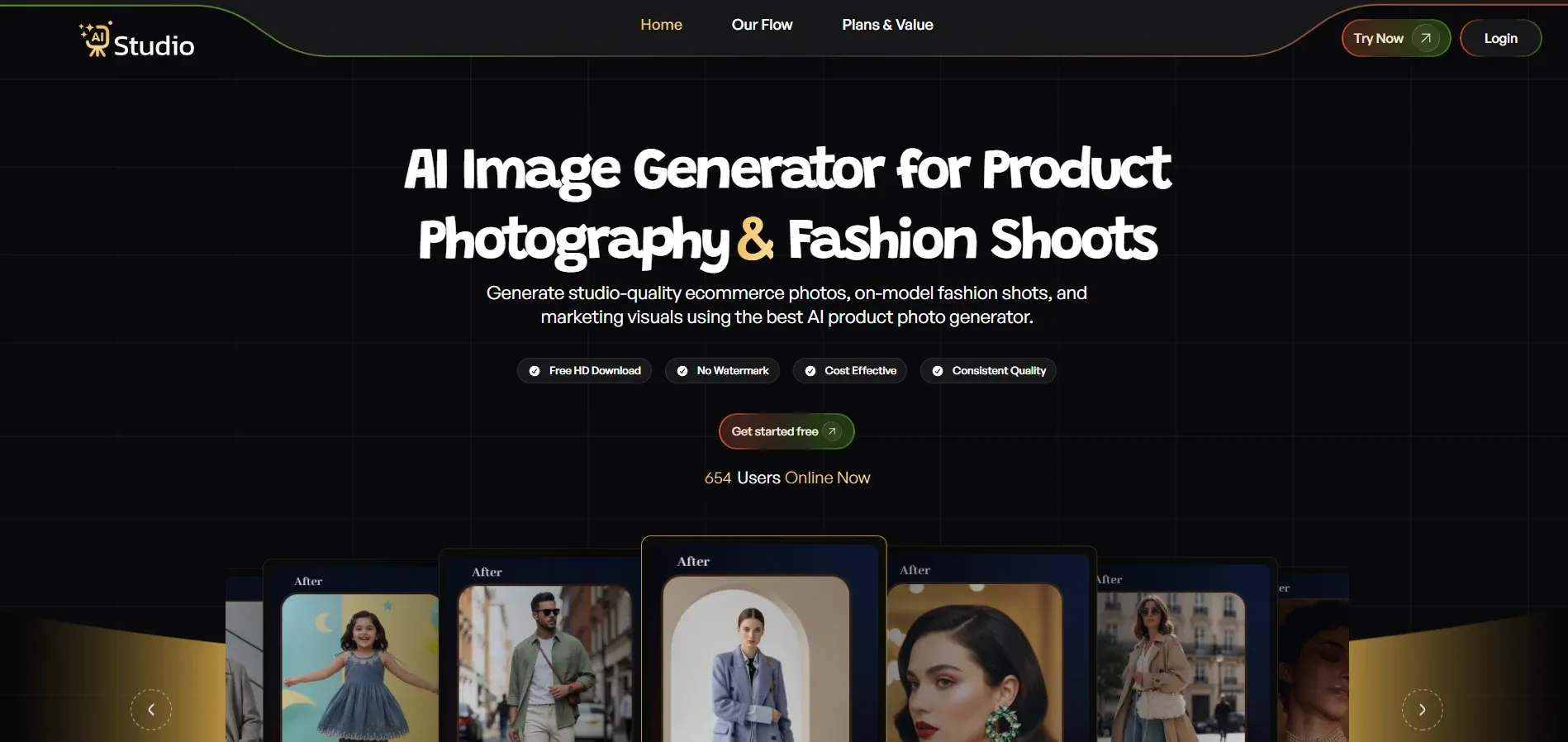
Try AI Studio was built from the ground up for small business owners, D2C brands, and solo sellers. It covers almost every major product category, like fashion, apparel, ethnic wear, jewelry, accessories, electronics, beauty, and more. In total, 30-plus categories are supported.
What makes it feel different for the Indian seller is the mix of speed, low cost, and strong output quality. You can get studio-quality images in under 10 seconds. And you can generate on-model fashion photos without hiring a single model, just pick Women, Men, or Kids categories. The free plan also gives you full HD downloads, no watermark at all, so the images are ready to drop into your listings right away.
The Android mobile app is a nice extra if you shoot products using a phone and want to tweak everything on the go. For Amazon listings, the tool makes clean white background images. For Shopify and Instagram, you can create lifestyle scenes and choose aspect ratios that fit your creative needs.
Free plan: Yes, generous free tier with no credit card needed
Pricing: Starts at ₹600/month
Best for: Small businesses, D2C brands, Amazon sellers, Flipkart sellers, fashion brands, jewelry sellers, accessories businesses
2. Photoroom
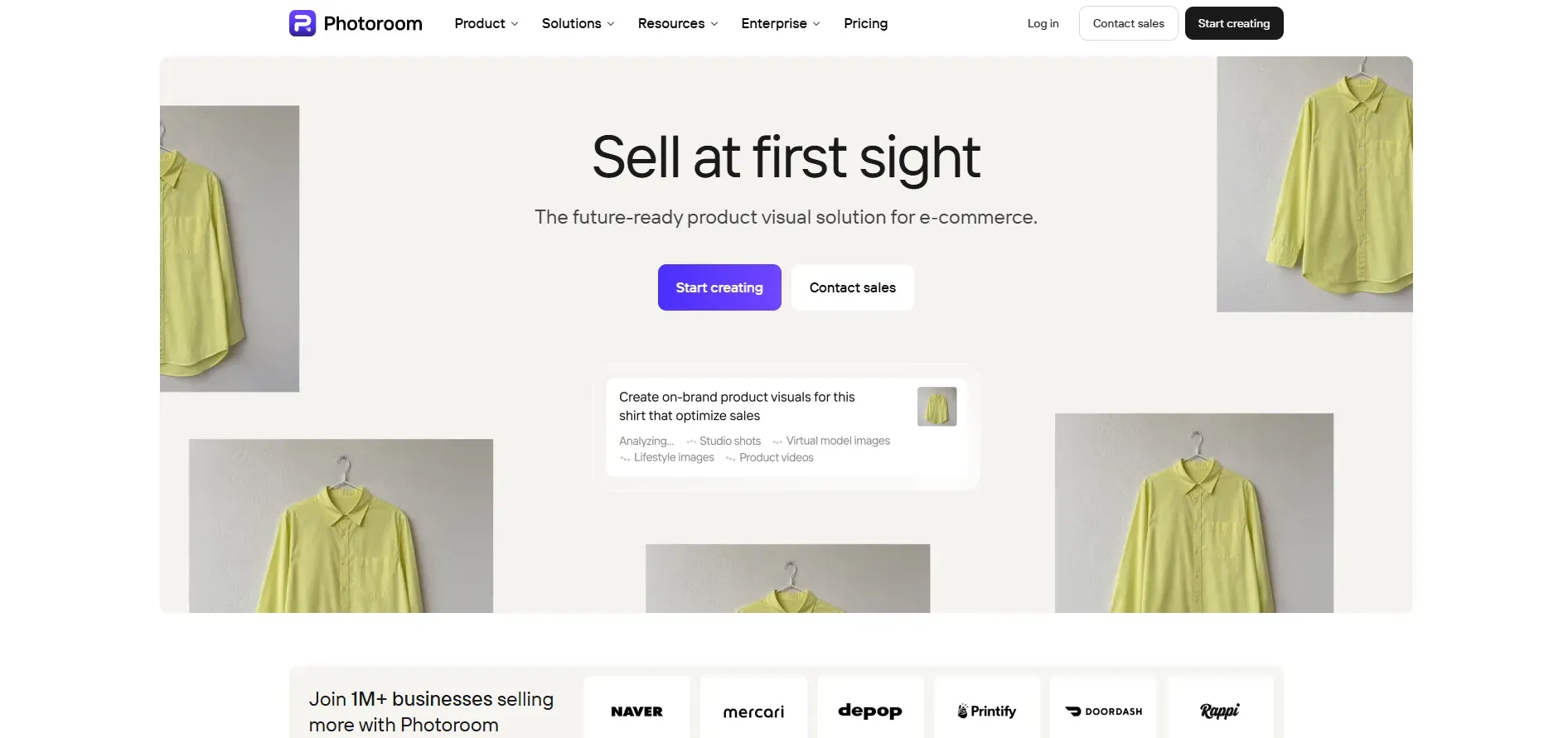 Photoroom is one of the most popular software tools used by marketplace sellers worldwide. It stands out because of its ability to remove backgrounds rapidly and efficiently while having accurate edge detection.
Another feature worth mentioning is the use of an AI background for product photos ecommerce. There are several hundred options for a lifestyle or studio background.
The biggest drawback is that the free version is not as useful. The files exported from it will contain a watermark, and thus, it cannot be used professionally.
Free plan: Yes, but a watermark on exports
Pricing: From $9.99/month
3. Nimora AI (Best for Jewelry Sellers)
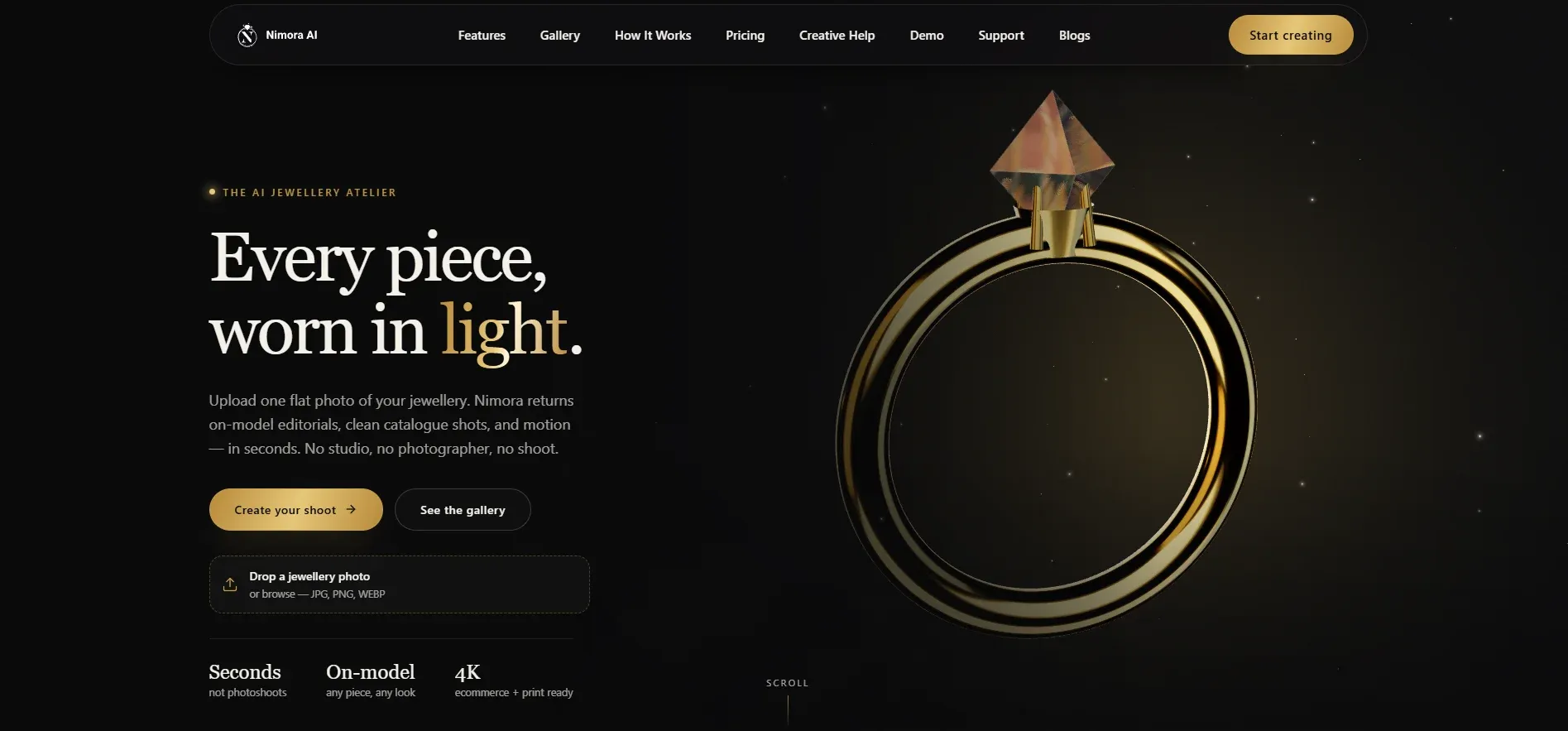 If you sell jewelry, Nimora AI is definitely worth a close look, honestly. It feels purpose-built for rings, necklaces, earrings, and those fine jewelry pieces where detail and finish quality really are the whole point.
Just upload one flat product photo, and Nimora spits out on-model editorial images, crisp, clean catalog shots, plus short promo video clips in a few seconds. Five dedicated engines are working in one workspace, so you're not bouncing between tools or menus.
There's a Design Studio for brand new jewelry ideas, a Catalogue Photoshoot area for on-model SKU images, a Product Studio for tidy packshots, a Video Lab for motion content, and an AI Chatbot that basically works like a creative director you can explain the goal to in plain language.
For jewelry wholesalers and B2B sellers, being able to picture custom designs on models without making physical samples is a real time and cost saver. The results come in 4K resolution, and they're set up for Amazon, Shopify, Etsy, Temu, Instagram, and print catalogs. Over 10,000 jewelry professionals use it, and it sits at a 4.9 out of 5 average rating.
Free plan: Free trial available
Pricing: Check for current tiers
Best for: Jewelry ecommerce sellers, accessories brands, jewelry wholesalers, D2C jewelry businesses
4. Pebblely
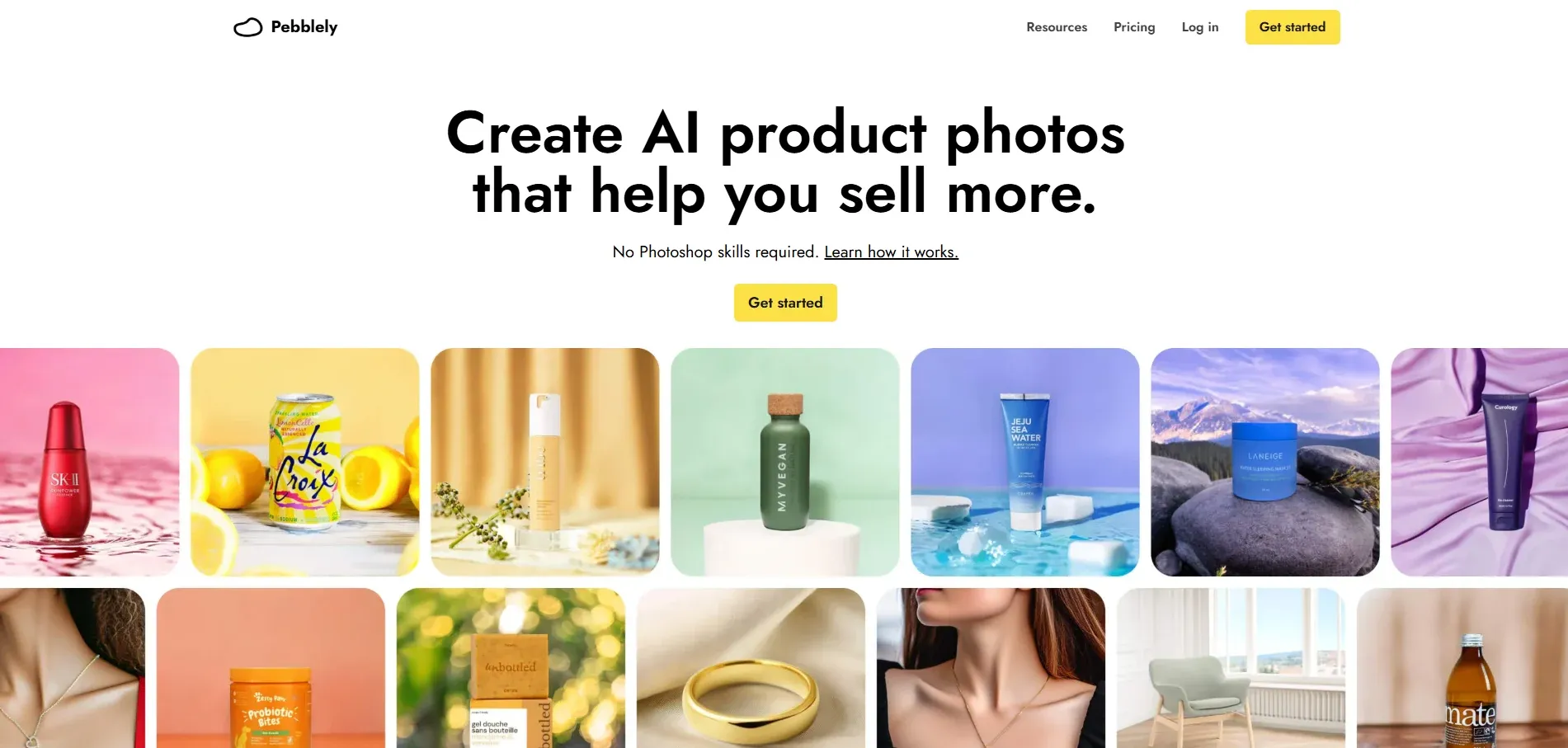 Pebblely works via a theme-based system rather than open prompts, and somehow that feels genuinely beginner-friendly. You just pick from 40-plus pre-built background themes, drop in your product photo, and then generate. It doesn't really ask you for creative direction, like at all.
On the free plan, you get 40 images per month with no credit card, so it's a good starter option for testing things out. The tradeoff, though, is control over the look. You basically receive what the themes provide, and not anything extra. Also, there's no virtual model generation, so that can be pretty limiting if you run fashion and accessories catalogs.
Free plan: Yes, 40 images per month
Pricing: From $19/month
5. Claid.ai
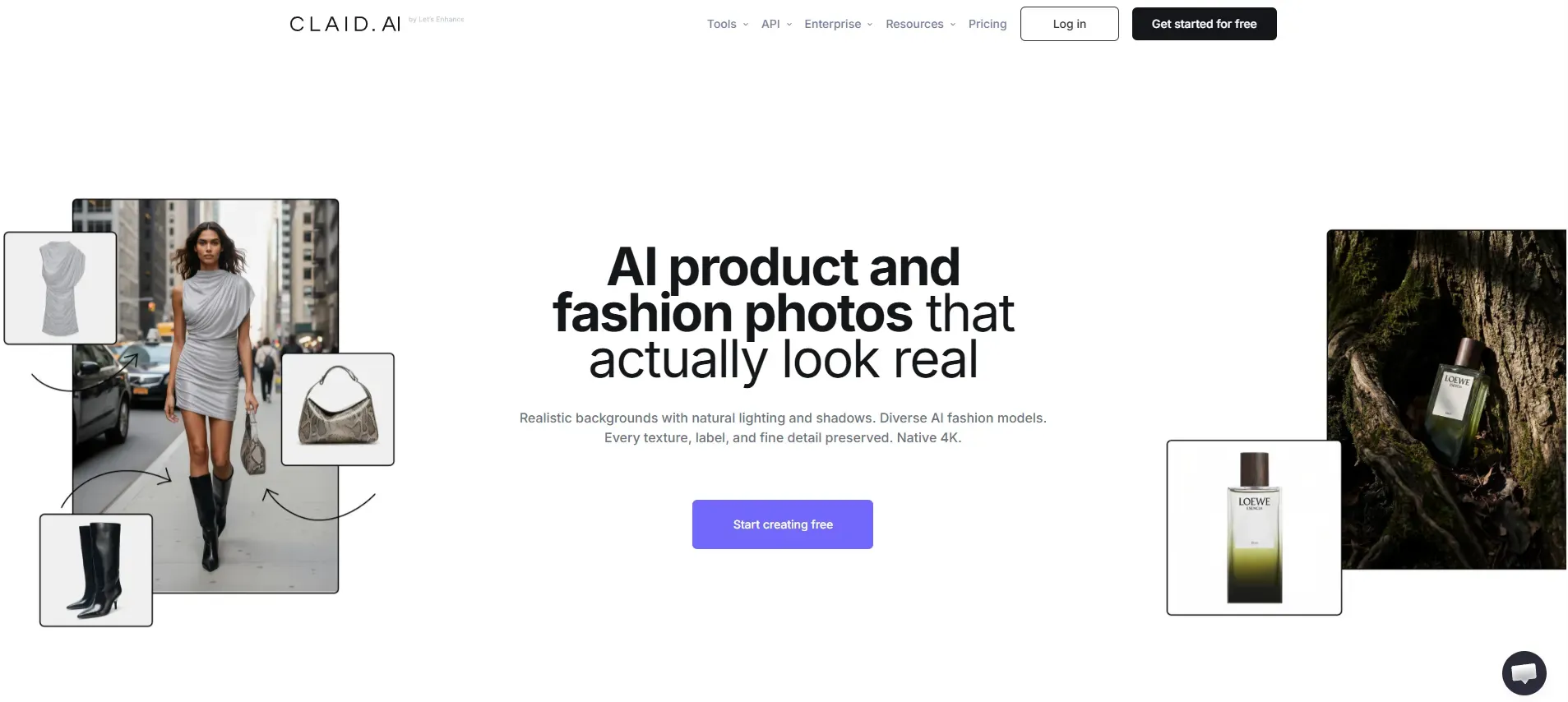 Claid.ai is sort of not for beginners. It is built for sellers who are already established, managing large catalogs where consistency of lighting and color fidelity across hundreds of SKUs is the main priority, even when you are moving quickly.
The API-first setup works really well for technology teams who are weaving image processing into existing ecommerce workflows, step by step. But if you are a solo seller or you run a smaller catalog, then the other tools on this list will probably serve you better.
Free plan: No
Pricing: From $15/month
Quick Comparison
| Tool | Free Plan | Best For | Starting Price |
|---|---|---|---|
| Try AI Studio | Yes, HD + no watermark | All niches, small businesses | ₹600/month |
| Photoroom | Yes, with watermark | Quick edits, mobile sellers | $9.99/month |
| Nimora AI | Free trial available + HD + no watermark | Jewelry and accessories | Check site |
| Pebblely | Yes, 40 images/month | Beginners, tight budget | $19/month |
| Claid.ai | No | Bulk catalog operations | $15/month |
How to Create AI Product Photos with Try AI Studio
You do not need a camera, a studio, or any design skills to get started. The entire process takes under 10 minutes, even if this is your very first time.
Step 1: Create a Free Account and Log In. Visit tryaistudio.app and sign up for free. No credit card is needed. Your dashboard opens immediately after login.
Step 2: Choose Your Studio. Inside the dashboard, select Photo Studio. This is the main AI product photography workspace where all image generation happens.
Step 3: Select Your Category. Choose from Fashion, Accessories, or E-Commerce based on what you sell. For Fashion and Accessories, also select whether your product is for Women, Men, or Kids. This tells the AI which type of virtual model to generate for your product.
Step 4: Select Your Sub Category. Pick the specific product type that matches what you are selling. For example, choose Watch, Belt, or Perfume under the Accessories category.
Step 5: Upload Your Product Photo. Upload a clear, front-facing photo of your product. A plain white or light-coloured background gives the best output. A phone photo works fine as long as it is in focus and not blurry.
Step 6: Final Details. In the Final Detail, set your product name, number of images to generate, aspect ratio (1:1 for Amazon and Instagram, 4:5 for Instagram feed, 16:9 for banners), background style, and visual style such as Modern, Minimalist, or Aesthetic. Turn on the Model Consistency toggle if you are generating a full catalog to keep the same model across all images. Add extra instructions like "warm lighting" or "outdoor setting" if needed. Then click Generate Images.
Step 7: Download Your Image. Your professional product photo is ready in under 10 seconds. Download it in full resolution with no watermark. It is immediately ready for Amazon, Shopify, Flipkart, or Instagram.
Want to see the full walkthrough with screenshots? Read our detailed guide on how to create product photos with AI, or jump straight in and create your first image free.
AI Product Photography by Niche: Which Tool Features Matter Most
Not every product has the same photography requirements. Clothing, jewelry, and packaged products all present unique challenges, so choosing the right AI product photography tool depends on what you sell. Here's what to consider for each category.
Fashion and Apparel
Fashion products rely heavily on lifestyle presentation. Customers want to see how a garment fits, drapes, and looks when worn. Flat-lay or mannequin images often fail to provide enough context, making on-model photography essential for improving buyer confidence.
Traditionally, organizing photoshoots with professional models can be expensive and time-consuming, especially when launching new collections regularly.
When selecting an AI product photography tool for fashion, prioritize features such as:
- Virtual AI model generation
- Support for women's, men's, and kids' apparel
- Accurate fabric texture and pattern preservation
- Multiple poses and lifestyle backgrounds
Platforms like Try AI Studio simplify this process by generating realistic on-model product images across multiple fashion categories without requiring professional models or costly studio shoots.
Jewelry and Accessories
Jewelry is one of the most demanding product categories for AI photography. Reflective metals, gemstones, intricate engravings, and tiny design elements require exceptional detail and precision.
Specialized AI tools such as Nimora AI are designed specifically for jewelry photography, while general-purpose platforms like Try AI Studio also provide optimized workflows for rings, necklaces, earrings, watches, and other accessories. You can explore the full breakdown in this guide on AI product photography for accessories.
For highly detailed luxury jewelry, a hybrid approach often delivers the best results:
- Capture the product using high-resolution macro photography.
- Use an AI product background generator to create premium backgrounds and lifestyle scenes.
- Combine both to achieve studio-quality images while significantly reducing photography costs.
This method preserves intricate craftsmanship while giving products a polished, professional appearance.
General Products and Packaged Goods
General merchandise is the easiest category for AI product photography. Products such as:
- Consumer electronics
- Beauty and skincare products
- Home decor
- Kitchen accessories
- Packaged food
- Health and wellness items
typically have well-defined shapes and non-reflective surfaces, making them ideal for AI-generated product images.
Most AI product photography platforms can quickly generate:
- Clean white-background images for Amazon and other marketplaces
- Lifestyle product photos for Shopify stores
- Social media-ready visuals for Instagram, Facebook, and Pinterest
- Promotional banners and marketing creatives
For sellers in these categories, AI ecommerce photography offers a fast, affordable way to produce professional product images without investing in expensive studio equipment or repeated photoshoots.
Conclusion
AI product photos for the small business have truly opened up a whole new world of possibilities for entrepreneurs working within a tight budget.
The days when you required a ₹30,000 studio rental, an entire day off from your business, and a dedicated photographer at your beck and call to take professional product photos are all gone. With apps like Try AI Studio, you can have everything done in under a minute. Just upload your product photo, select a style, and download studio-quality photos for Amazon, Shopify, Flipkart, or Instagram. All for free, without any watermark.