


AI Jewelry Product Photography Tool: Create Studio-Quality Jewelry Photos with AI
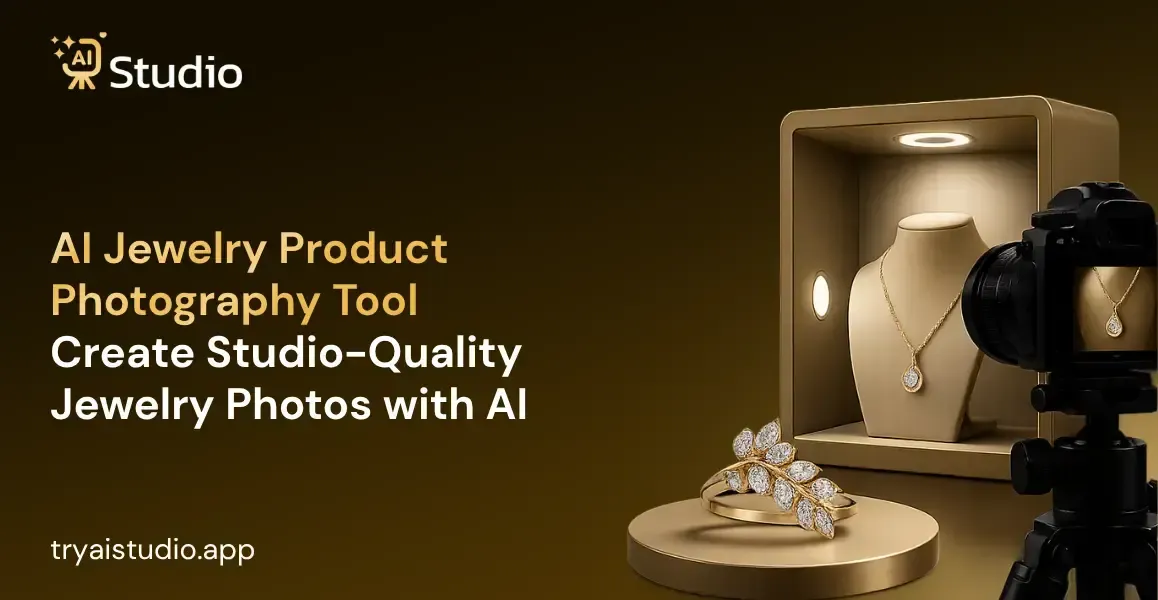
I've watched a lot of jewelry sellers run into the same kind of issue, again and again. The product photo work ends up costing more, and it also fails more often for jewelry than in almost any other category, mostly because you get all those reflections and the tiny surface detailing, plus the lighting is just hard to nail even when you're using a really decent camera.
If you've ever tried to shoot a gold chain, or a diamond ring, from home, you already know how annoying it can get. This is why an AI jewelry product photography tool starts to feel like a real option for smaller sellers, not just a nice idea.
In this piece, I'll walk through what these tools do in practice, if they can genuinely stand in for a full studio session, and how you can get studio-quality jewelry photos in just minutes using AI Studio. I also tested a handful of these tools directly with actual jewelry sellers, so it's not only theory; it's based on what I saw while using them.
What Is an AI Jewelry Product Photography Tool?
In simple words, an AI jewelry product photography tool is software that uses an artificial intelligence image editor to take away the background, add studio-style lighting and shadows, and drop your jewelry into fresh scenes or even on model shots, all starting from one single photo you upload from your phone.
Think about it like this. A regular AI product image generator works pretty well for a t-shirt or a water bottle. But jewelry is, like, a different beast. It has to manage reflective metals, gemstone sparkle, and that super fine chain or clasp detail without letting quality slip. A generic product photography AI tool that was not built for jewelry can blur out prongs, and it can flatten the sparkle on a diamond too.
That is basically why jewelry sellers need something more specialised than a basic AI product background generator free tool. It is not just a background swap thing; it is about keeping the little details that a customer will actually zoom into before buying.
Why Jewelry Photography Is Harder Than Other Products
Here's the reality: jewelry is one of the toughest categories to shoot well, even for professional photographers. Let me kind of untangle the three biggest problems I keep seeing, in practice.
Reflections on metal surfaces: Gold, silver, and platinum bounce light in every direction. One wrong studio light and you get a harsh white patch right across the ring or bangle.
Gemstone sparkle and true colour: Getting a diamond or stone to actually sparkle in a photo, without making the colour look fake or washed out, takes real skill and expensive lighting setups.
Fine detail loss: Clasps, prongs, and engravings are tiny. A low-resolution phone photo taken in a hurry often loses this detail completely, and customers notice.
It is the most common reason why the majority of sellers never think of having their listing photos taken by a professional photographer. It is the most important part of a complete jewelry listing that makes it look good and increases conversions. It is the most overlooked component in all of your photos that can make customers question if the products are even real.
How AI Jewelry Product Photography Works (Step-by-Step)
Using AI Studio, you can create incredible jewelry photos in under 10 minutes, even without a single background in design or photography! Take a look at the real process in our dashboard below.
Step 1: Upload Your Jewelry Photo
Sign up on the website tryaistudio.app for free, no credit card required. On the following page, you will see the dashboard, which offers three options: Photo Studio, Marketing Studio, and Video Lab.
Choose the first option, Photo Studio, then select Accessories as your category because it includes jewelry, watches, bags, and belts.
Moreover, you need to upload a high-quality image of the chosen piece of jewelry, where the product is on the front. It would be best if you used jewelry photography with a white or light background. However, the quality of the image on your phone can also be sufficient.
Step 2: Choose Your Background or On-Model Style
On the details screen, choose a background: a solid white one for Amazon or a marble, velvet, or fabric background for lifestyle shots for Shopify or Instagram.
Select a style, such as minimalist, modern, close-up, or aesthetic, it's entirely up to you. If you need to show off your product on a model, make sure to turn on the Consistency switch so that the same one appears in all your photos.
Finally, pick an aspect ratio, 1:1 is good for Amazon and Instagram, while 4:5 looks better in portrait.
Step 3: Generate and Download in HD
Click Generate Images. Within 10 seconds, AI Studio creates studio-quality jewelry photos with realistic shadows, lighting, and reflection. The images are vibrant, full of life, and true to the product.
Preview all the images and download your favorite photos in full HD resolution without any watermark. You can share the images on Amazon, Shopify, Flipkart, or Instagram.
Want to see exactly how to click each button and navigate through the platform? See our step-by-step guide with screenshots on how to make product images with AI.
AI vs Traditional Jewelry Photography: Real Cost Comparison
Let me put this in perspective with real numbers. AI vs traditional product photography is not just a debate about quality anymore; it is mostly about cost and speed.
| Factor | Traditional Studio Shoot | AI Jewelry Photography Tool |
|---|---|---|
| Cost per session | ₹10,000 to ₹50,000 | Around ₹600/month |
| Turnaround time | 3 to 7 days | Under 10 seconds per image |
| Consistency across catalog | Depends on photographer availability | Same style every single time |
| Model required | Yes, extra cost | Optional, no hiring needed |
| Editing needed after shoot | Yes, separate cost | Built into the tool |
In my personal opinion, a live shoot is appropriate for a flagship concept or the main picture of the brand. But when it comes to catalog updates, then an affordable product photography AI tool is a more cost-effective and budget-friendly solution for small company representatives.
Where to Use AI Jewelry Photos (Amazon, Shopify, Flipkart, Instagram)
Different platforms have different rules, and getting this wrong can get your listing rejected. Here is what to keep in mind if you want to know how to improve Amazon listing images.
- Amazon: Main image must have a pure white background and a minimum resolution of 1000x1000px. Use the Solid White background setting for these.
- Shopify: More flexibility here. Lifestyle backgrounds like marble or fabric work well on product pages and build brand feel.
- Flipkart: Similar to Amazon, clean backgrounds perform better for the primary listing image.
- Instagram: This is where on-model or lifestyle shots shine. Aesthetic styles with soft backgrounds tend to get more engagement.
I see sellers using the same white background image everywhere and wondering why their IG engagement is low. The platform matters. Use white backgrounds on marketplaces where product photos need to be compliant, and save lifestyle/on-model images for social media and Shopify.
Limitations: What AI Jewelry Photography Still Can't Fully Replace
Let me be absolutely honest with you, because most competitors' pages do not address this matter. AI is amazing, but it's not perfect.
Very fine details on something highly detailed may not come out as well as one would like. A surface that is highly reflective, such as chrome, may produce less than perfect results. Something that is completely transparent, such as a clear box, may also fool the algorithm.
My honest suggestion? A mix of both. The standard catalog and listings, where speed and budget matter most, could be done on AI, while the main product photos for the big campaigns are left to the professionals, with all their minute details captured with utmost quality.
Conclusion
Studio-quality jewelry photos without a studio, photographer, or model, at a fraction of the cost, and in seconds instead of days, is the real benefit of using an AI jewelry product photography tool that Indian jewelry sellers should consider today.
Whether you sell your jewelry on Amazon, Shopify, Flipkart, or Instagram, the ability to get the best product images you can will have a direct effect on your sales. And if you're feeling curious, you can check out AI Studio for yourself, no credit card needed, so that there's nothing to lose.