


Best AI Product Photography Tools for Fashion Brands in 2026
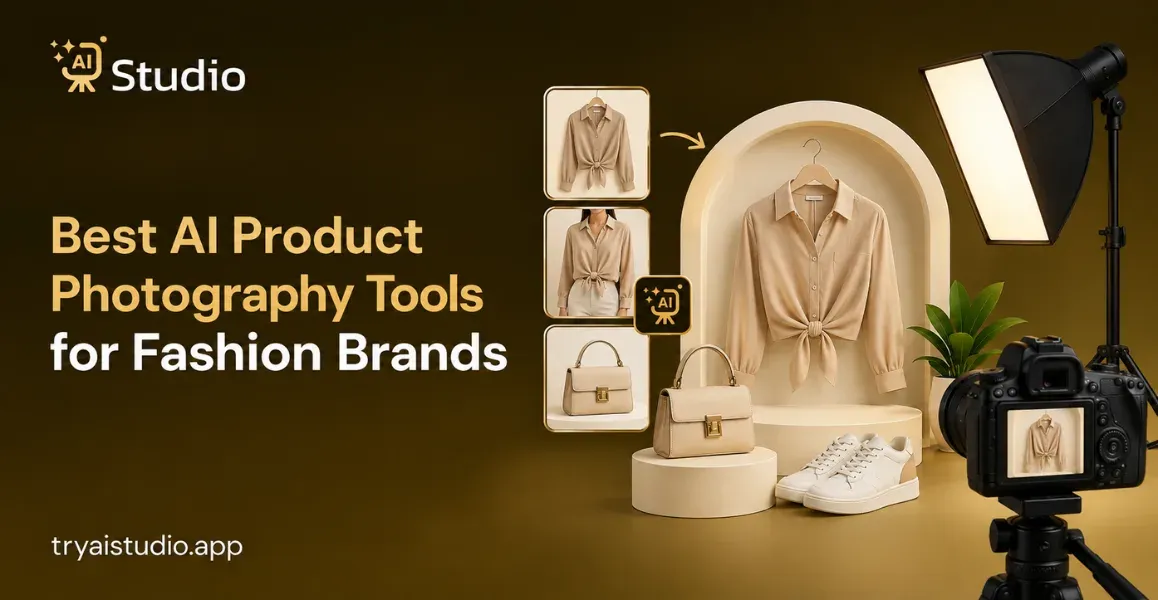
A fashion brand launching a new collection every month runs into the same production problem each time: models, a photographer, a studio slot, styling, photo editing, and a full set of image versions for the product page, marketplaces, ads, and social. AI product photography tools now offer a faster, cheaper path, but not every tool handles a garment the same way.
Some tools shift a logo a few pixels or flatten a fabric texture. Others get drape wrong, render hands badly, produce inconsistent AI models across a collection, or output images that look obviously artificial. For a fashion brand, that is not a minor bug; it is a returned order or a shopper who does not trust the listing photo.
This guide compares the best AI product photography tools for fashion brands using criteria that actually matter for clothing: clothing accuracy, realistic model photos, model consistency, and ecommerce ready for online stores for platforms such as Shopify, Amazon, and Myntra.
Quick Answer: What Are the Best AI Product Photography Tools for Fashion Brands?
There is no single best tool for every fashion brand. Try Try AI Studio, Ayna, Botika, BetterStudio, Claid, SellerPic, WeShop AI, Photoroom, and Flair.ai; each solves a different part of the fashion photography workflow, from flat product photos to putting clothes on a model, to batch catalog editing, to creating campaign scenes. The right pick depends on catalog size, budget, and whether you need on-model images, lifestyle scenes, or both.
| Tool | Best For | Fashion Models | Backgrounds | Catalog Use | Pricing Model |
|---|---|---|---|---|---|
| Try AI Studio | Guided fashion and accessories photo generation | Yes, on-model style imagery | Yes, style and background presets | Small to mid catalogs | Subscription and credit packs |
| Ayna | D2C brands wanting photos, video, and listings together | Yes, 300+ AI models | Yes, 500+ backgrounds | Bulk generation supported | Free tier, then credit packs from 13 dollars |
| Botika | Shopify brands converting flat lays to on-model shots | Yes, dedicated fashion model library | Background swap included | Rollover credits, moderate batch | Subscription with credit tiers |
| BetterStudio | Premium, studio-grade on-model imagery | Yes, digital twin model approach | Yes, customizable | Bulk editing supported | Per-image and subscription plans |
| Claid | Cleanup, generation, and modeling in one suite | Yes, AI Fashion Models feature | Yes, template and custom | Credit-based, scales with plan | Free trial, then tiered plans |
| SellerPic | Social sellers needing models plus short video | Yes, AI fashion models and try-on | Yes, lifestyle scenes | Batch on higher tiers | Free plan, then tiers from 29 dollars |
| WeShop AI | Affordable, high-volume model imagery | Yes, 200+ model library | Yes, customizable scenes | Batch editing available | Free trial, then tiered plans |
| Photoroom | Batch editing plus AI Fashion Model feature | Yes, newer feature | Yes, AI backgrounds | Strong batch export limits | Freemium, four paid tiers |
| Flair.ai | Manual scene control for campaigns | Yes, on-model fashion photoshoots | Yes, drag and drop control | Limited at lower tiers | Free plan, then tiers from 10 dollars |
Pricing and feature availability were checked against each tool's official site in September 2026 and can change, so confirm current details before choosing a plan.
How We Evaluated the Best AI Fashion Photography Tools
Tools were shortlisted because each supports a real fashion workflow, such as flat lay to on-model conversion or garment-preserving scene generation, rather than being a general image generator with no product upload step. Every tool was then judged on the criteria below.
Garment fidelity is how accurately a tool preserves a product's shape, color, pattern, logo, and fabric texture. Weak fidelity means a shifted print, a blurred logo, or a color that no longer matches the real item.
On-model realism covers body proportions, pose, fabric drape, shadows, hand rendering, and how naturally the garment sits on the model.
Model consistency is whether a brand can keep the same AI model appearing across a full product line, which matters for a consistent-looking catalog.
Background and creative control covers the range of studio, lifestyle, and professional fashion scenes available and how much control a user has through prompts, templates, or a editing workspace.
Catalog consistency is whether teams can hold one visual style across many SKUs without correcting each image by hand.
Speed and scalability separate single-image turnaround from real batch workflows for large catalogs and repeated launches.
Ease of use looks at whether a non-designer can operate the platform without prompt-writing skill.
Pricing and value compares subscription, credit, and pay-per-generation models. The cheapest sticker price is not automatically the best value if the per-image credit cost is high.
Ecommerce suitability checks fit for product pages, Shopify, Amazon, Flipkart, Myntra, D2C sites, and social. None of the tools below publish documented official compliance with a specific marketplace, so treat readiness claims as general fit rather than a guarantee.
Try AI Studio
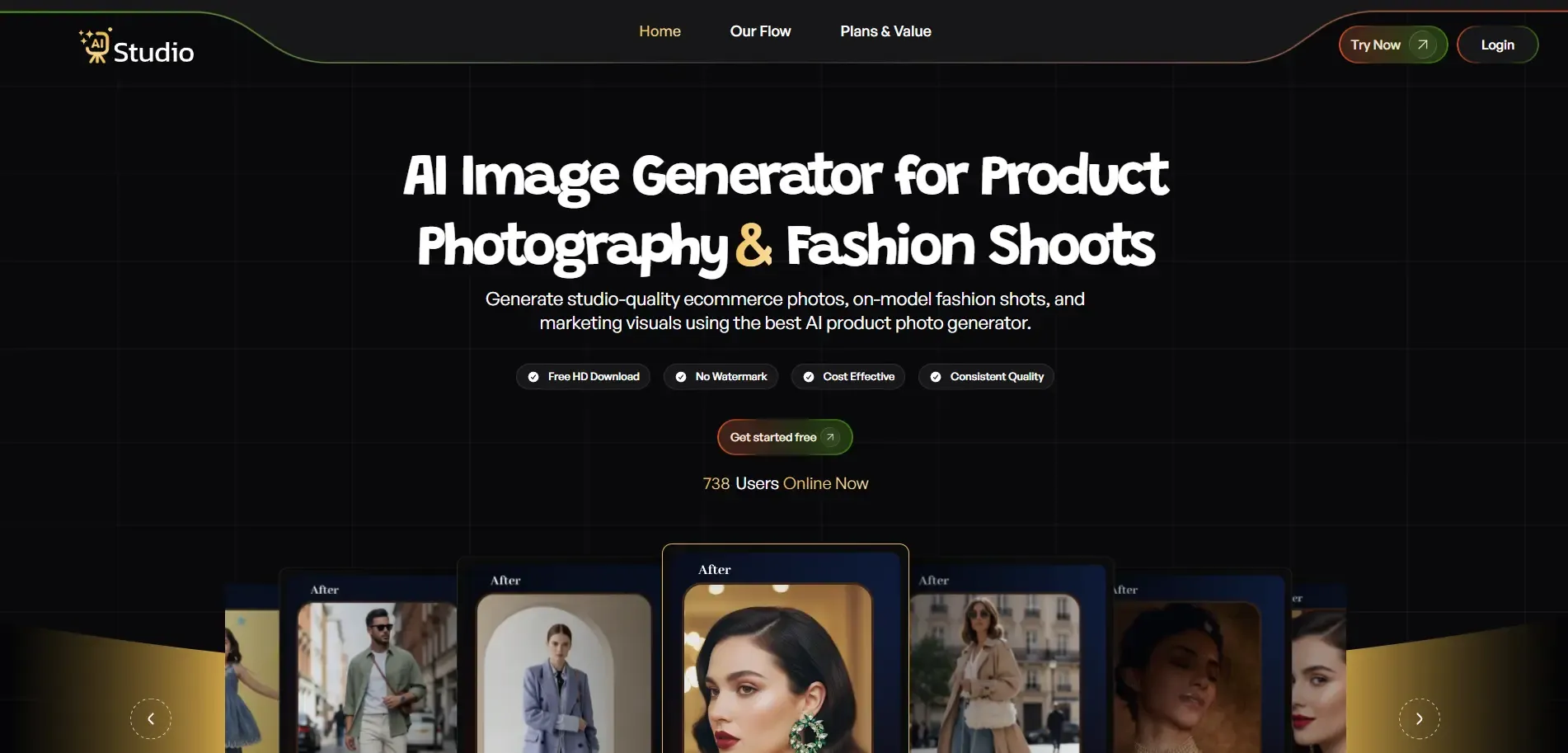
Best for: fashion, accessories, and small to mid-size ecommerce sellers who want a guided, category-based workflow without prompt-engineering skill.
What it does: Try AI Studio is built around choosing a studio type (Fashion, Accessories, or E-Commerce), picking a sub-category, uploading a product photo, and configuring background, style, model consistency, and logo options before generating images.
Key features: dedicated Fashion and Accessories categories, on-model style imagery, configurable background and style settings, watermark-free high-resolution downloads, and a mobile app on Google Play.
Strengths: the guided flow suits teams without a design background, entry pricing in rupees fits small Indian D2C and accessories brands, and downloads come in full resolution with no watermark.
Limitations: the batch generation ceiling for large catalogs, exact model preset count, and logo preservation on complex prints are not fully published, so test on your own garments first.
Pricing: subscription and credit-based plans starting at a low monthly entry point, with add-on credit packs. Check the live pricing page for current tiers.
Who should choose it: small to mid-size fashion, accessories, and jewelry brands wanting a simple guided workflow.
Who should skip it: large catalogs needing documented API access or heavy batch automation.
For the on-model workflow specifically, see Try AI Studio's guide to on-model AI fashion photos without a model.
Ayna
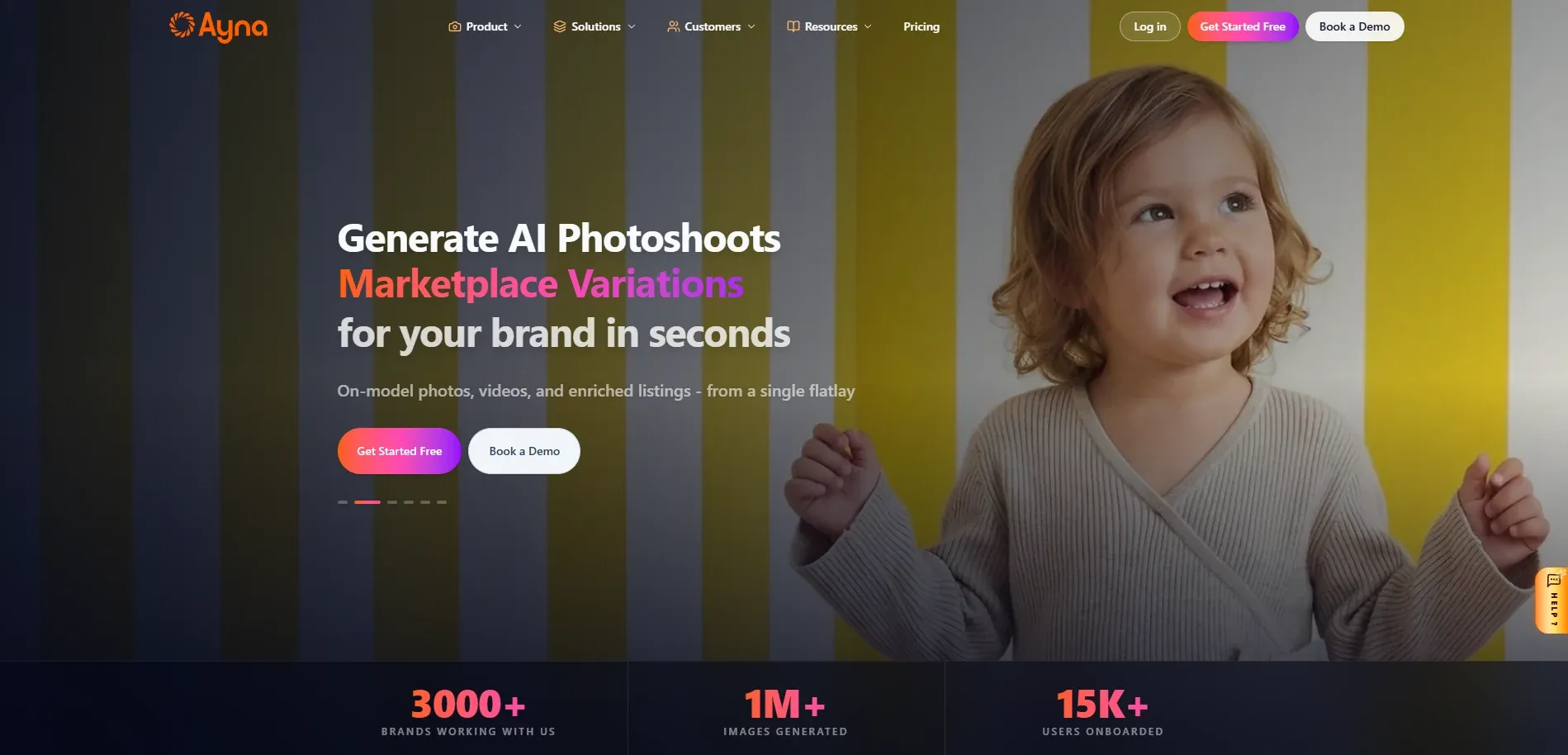
Best for: D2C fashion brands on Shopify wanting on-model photos, product video, and listing copy generated together.
What it does: Ayna converts a flat lay or mannequin garment photo into catalog-ready on-model images, a product video, and AI-written product copy, then pushes the finished listing to Shopify.
Key features: a library of 300 plus AI models, 200 plus templates, and 500 plus backgrounds, aspect ratio presets by platform, marketplace variations generated without extra credits, and bulk product video generation for seasonal drops.
Strengths: photos, video, and copy in one pass saves real production steps, platform-specific presets cut post-production resizing, and the Shopify app offers 50 free credits to test before paying.
Limitations: Ayna's marketplace-ready claims for Amazon, Shopify, and Myntra come from its own marketing rather than a documented certification, and credits are consumed at 10 per image, which adds up at catalog scale.
Pricing: a free tier with 50 credits, then a Silver tier at 13 dollars one-time for 200 credits, with top-ups from 0.65 dollars per 10 credits.
Who should choose it: D2C apparel brands wanting photos, video, and copy handled together.
Who should skip it: sellers who only need static images and do not need the video or copywriting layer.
Botika
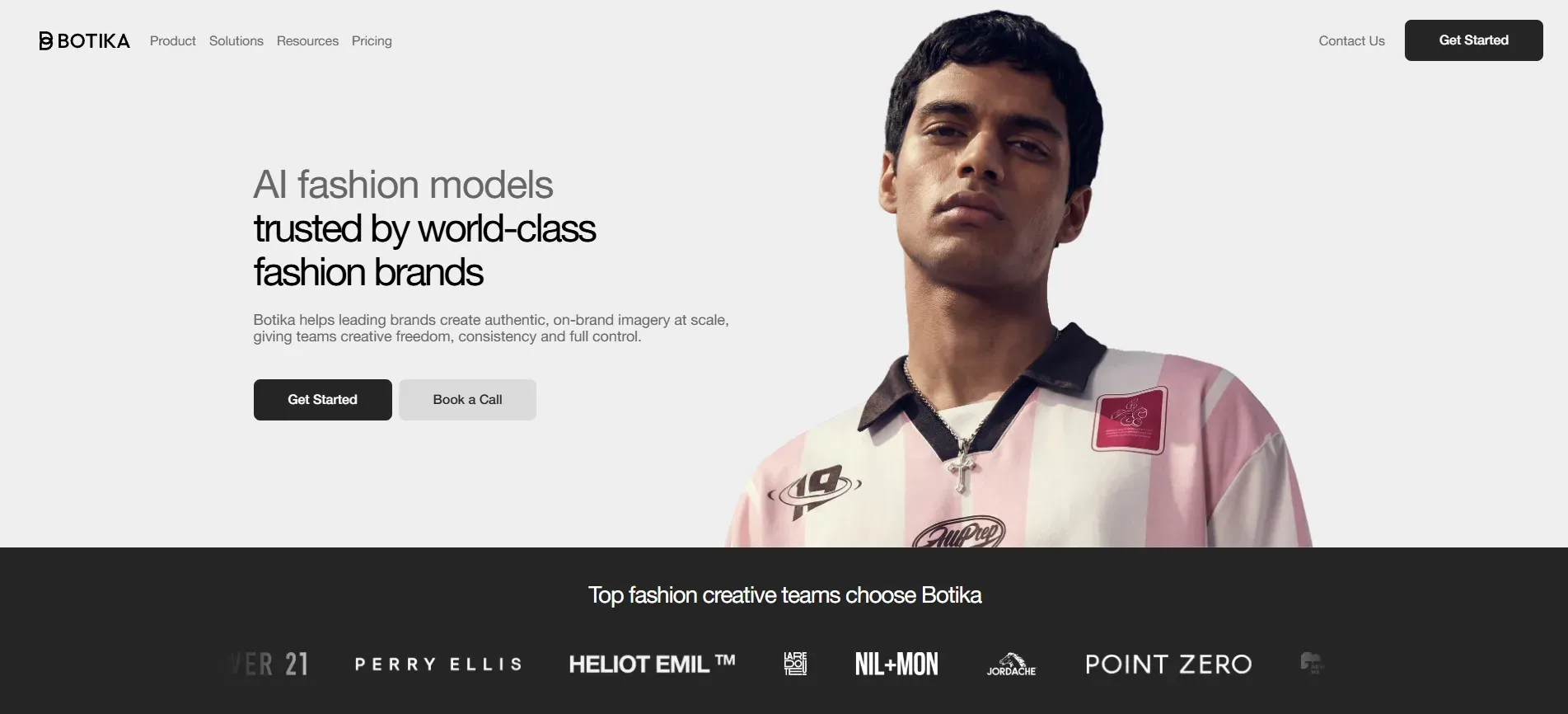
Best for: Shopify fashion brands wanting a dedicated tool for converting flat lay or hanger shots into on-model images.
What it does: Botika turns flat lay, hanger, or product photos into on-model images using its own fashion-trained models, with a Shopify app for catalog-level use.
Key features: background swapping, a diverse model library, a generate-and-fix correction workflow, and short video generation showing garment movement.
Strengths: an established name with a public Shopify listing, an optional human quality review on some plans, and full commercial rights on generated images.
Limitations: independent sources report different monthly pricing for Botika in 2026, so verify current figures directly, and several sources note limited pose or background customization at lower tiers plus inconsistent realism on complex garments.
Pricing: monthly subscription with credit-based tiers and rollover credits. Confirm current pricing on Botika's official page.
Who should choose it: Shopify-native brands whose core need is flat lay to on-model conversion.
Who should skip it: brands needing deep creative control over lighting, pose, and background beyond a template library.
For the broader category, see Try AI Studio's roundup of AI fashion photography tools for clothing brands.
BetterStudio
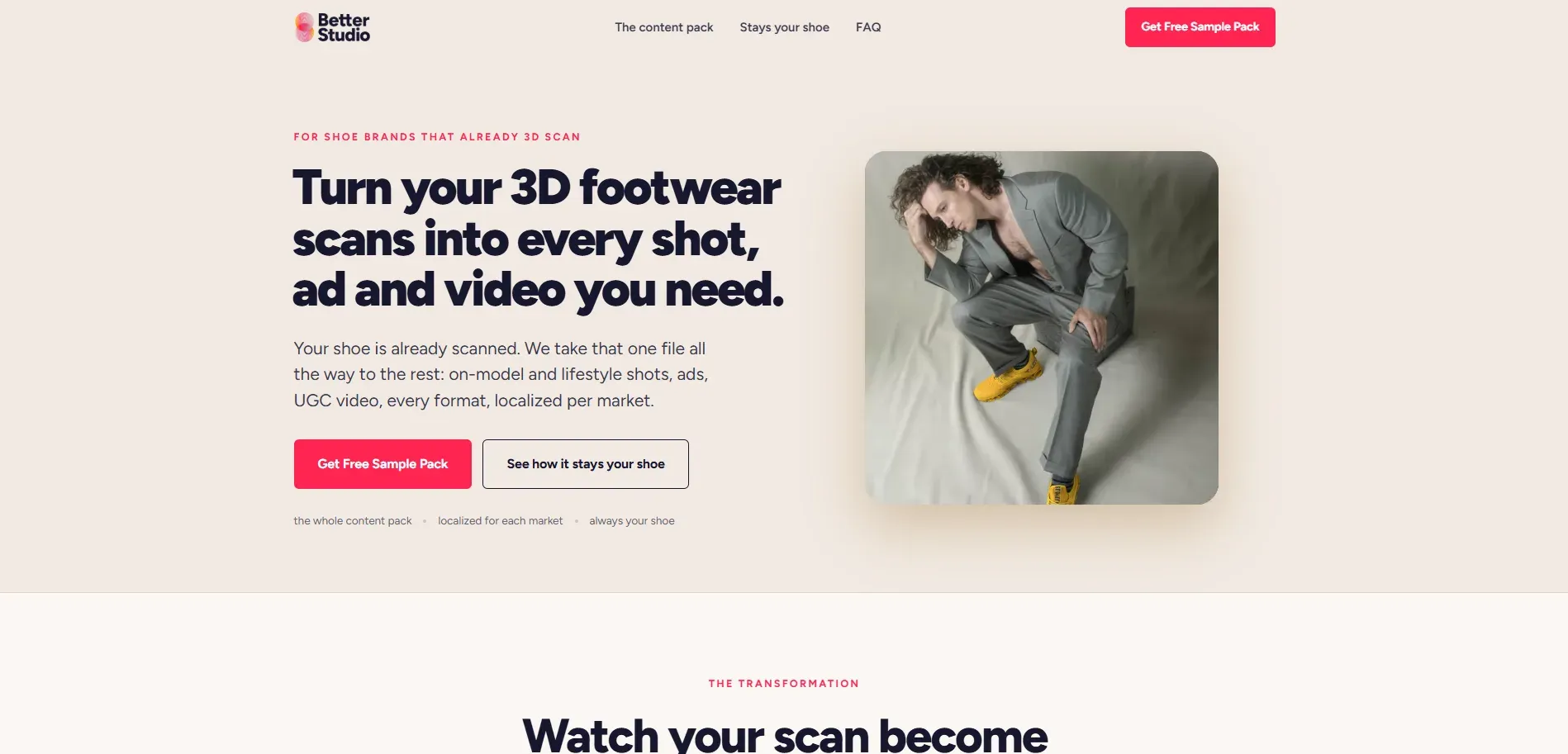
Best for: brands wanting premium, studio-grade on-model imagery with an emphasis on ethical model sourcing.
What it does: BetterStudio converts flatlay, mannequin, or basic model photos into studio-quality on-model images using a digital twin model approach, with bulk editing and a Shopify app.
Key features: AI fashion models with body-type and pose controls, bulk editing, a Shopify app and API, and a Verified Label system built around model consent ahead of the EU's August 2026 AI disclosure rules.
Strengths: consent-based model sourcing is a genuine differentiator for EU-facing brands, bulk editing handles large batches, and the Shopify-first design keeps setup simple.
Limitations: published pricing varies across sources, some citing per-image pricing from roughly 9.5 euros and subscriptions from around 99 euros, others describing lower monthly tiers, so confirm the current structure directly.
Pricing: subscription plus per-image credit options, figures require verification on BetterStudio's official site.
Who should choose it: Shopify brands wanting premium on-model realism and the ethical sourcing angle.
Who should skip it: very small brands needing the lowest possible entry price.
Claid
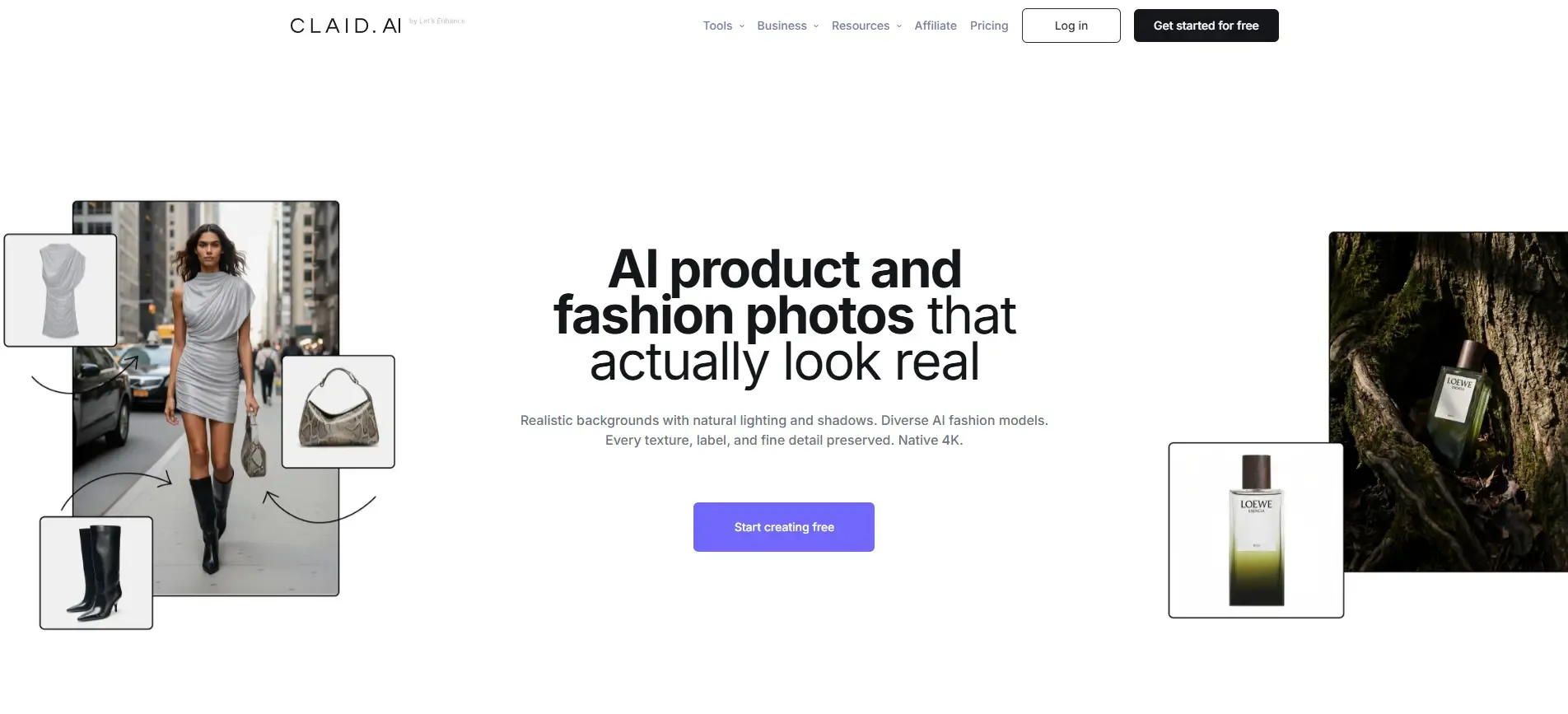
Best for: ecommerce teams wanting image cleanup, AI Fashion Models, and background generation in one workspace.
What it does: Claid covers background removal, enhancement, AI Photoshoot scene generation, and an AI Fashion Models feature that turns flat apparel images into on-model photography, on a shared credit system.
Key features: AI Fashion Models for flat-to-on-model conversion, AI Photoshoot backgrounds at Standard or Studio quality, custom AI model training on higher plans, and an API for scale.
Strengths: cleanup, generation, and modeling in one workspace reduces tool sprawl, all paid plans share the same 2K resolution toolset, and a free trial is available.
Limitations: the shared credit system can deplete faster than expected when mixing operation types, API pricing for production scale requires contacting sales, and the broader suite has a steeper learning curve than a single-purpose tool.
Pricing: a free trial, then Essential, Pro, and Business web plans on a monthly credit system, with API plans starting around 59 dollars for 1,000 credits. Confirm exact costs on claid.ai/pricing.
Who should choose it: teams wanting fewer tools overall and comfortable with a credit-based system.
Who should skip it: brands that only need on-model fashion generation and no broader cleanup toolset.
SellerPic

Best for: social-first sellers wanting AI fashion models combined with short video for Instagram and similar platforms.
What it does: SellerPic turns a single product photo into AI fashion model shots, lifestyle scenes, and short videos, aimed at Shopify, Amazon, Etsy, and social sellers.
Key features: AI fashion models across body types, virtual try-on for apparel and accessories, batch processing on higher tiers, and image-to-video generation.
Strengths: combining stills and short video from one source image suits social-first fashion brands, the free plan allows testing before paying, and credit costs are transparent.
Limitations: batch processing and priority support sit behind higher tiers, and the platform leans toward speed and volume rather than deep manual creative control.
Pricing: a free plan with 20 credits monthly, a Starter plan at 29 dollars monthly with 500 credits, and a Growth plan at 49 dollars monthly with 600 credits and custom fashion models.
Who should choose it: fashion and jewelry sellers wanting static images and short video from one workflow.
Who should skip it: brands needing heavy creative control over composition rather than fast, template-driven output.
WeShop AI
Best for: apparel brands wanting an affordable, high-volume source of AI model imagery from a large model library.
What it does: WeShop AI generates on-model apparel imagery, virtual try-on visuals, and lifestyle scenes by aggregating multiple underlying AI models, aimed at DTC brands and marketplace sellers with large SKU counts.
Key features: a library described as 200 plus human models, a Model to Mannequin feature for ghost mannequin conversion, batch editing, and outputs sized for Amazon, Shopify, Etsy, and other marketplaces.
Strengths: a large aggregated model library, accessible entry pricing, and free daily credits to validate quality before paying.
Limitations: independent comparisons describe the fashion tooling as one module inside a broader general AI suite rather than fashion-first, creative control for art-directed work is reported as more limited than on dedicated fashion platforms, and meaningful API access sits behind the Enterprise tier.
Pricing: a free trial, then Pro at roughly 9.99 dollars monthly, Ultra at roughly 45 dollars monthly, and Enterprise at roughly 457 dollars monthly per third-party pricing trackers. Confirm current figures on WeShop AI's site.
Who should choose it: apparel brands wanting a wide variety of AI models at an accessible price.
Who should skip it: brands needing precise creative direction or guaranteed model identity across a full collection.
Photoroom
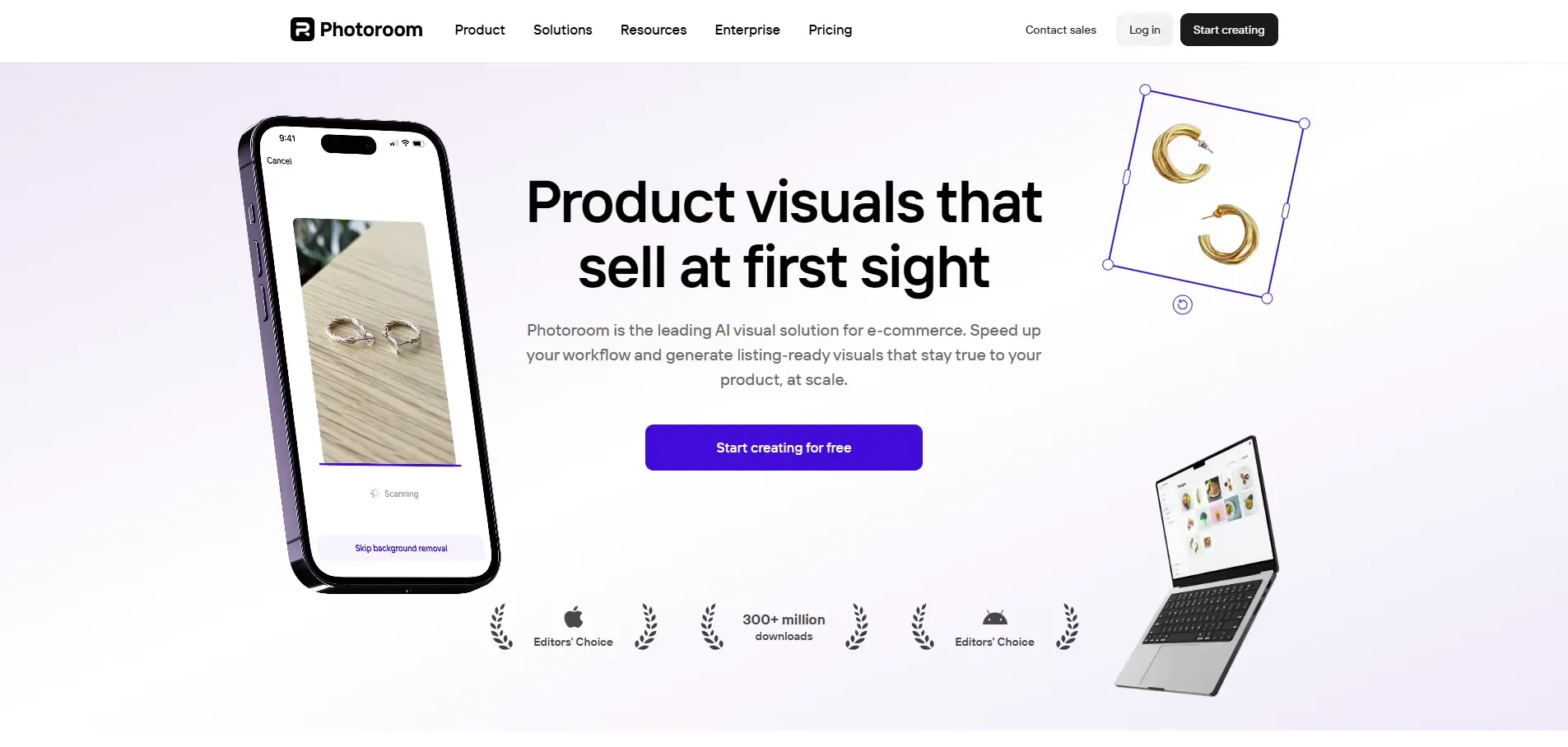
Best for: marketplace sellers and mobile-first teams needing fast batch editing alongside an AI Fashion Model feature.
What it does: Photoroom offers one-tap background removal, AI backgrounds, product staging, and, since 2026, an AI Fashion Model feature that generates lifestyle on-model images from a single product photo, plus a Product Fixer tool.
Key features: AI Fashion Model generation, batch processing applying ghost mannequin and fashion model effects across up to 250 images on higher tiers, multi-product AI Fashion Model for placing several items on one model, and a Shopify integration with a Listing Score tool.
Strengths: strong batch performance, with Photoroom's own testing citing roughly 5,000 images processed in about 1.4 hours, lower entry pricing than most dedicated fashion-model platforms, and a polished mobile app.
Limitations: Photoroom serves general ecommerce sellers across categories, so its fashion-specific model variety and pose control are generally narrower than dedicated fashion platforms, and 4K export and the full AI Fashion Model experience require higher tiers.
Pricing: a free plan with limited exports, then Pro, Max, and Ultra tiers, Pro starting around 7.50 to 7.99 dollars monthly on annual billing and Ultra from around 82.50 to 99 dollars monthly. Confirm current pricing on Photoroom's site.
Who should choose it: marketplace sellers with mixed catalogs wanting strong batch editing plus an emerging fashion model feature.
Who should skip it: fashion-first brands whose primary need is deep on-model realism and consistency across a full apparel collection.
Flair.ai
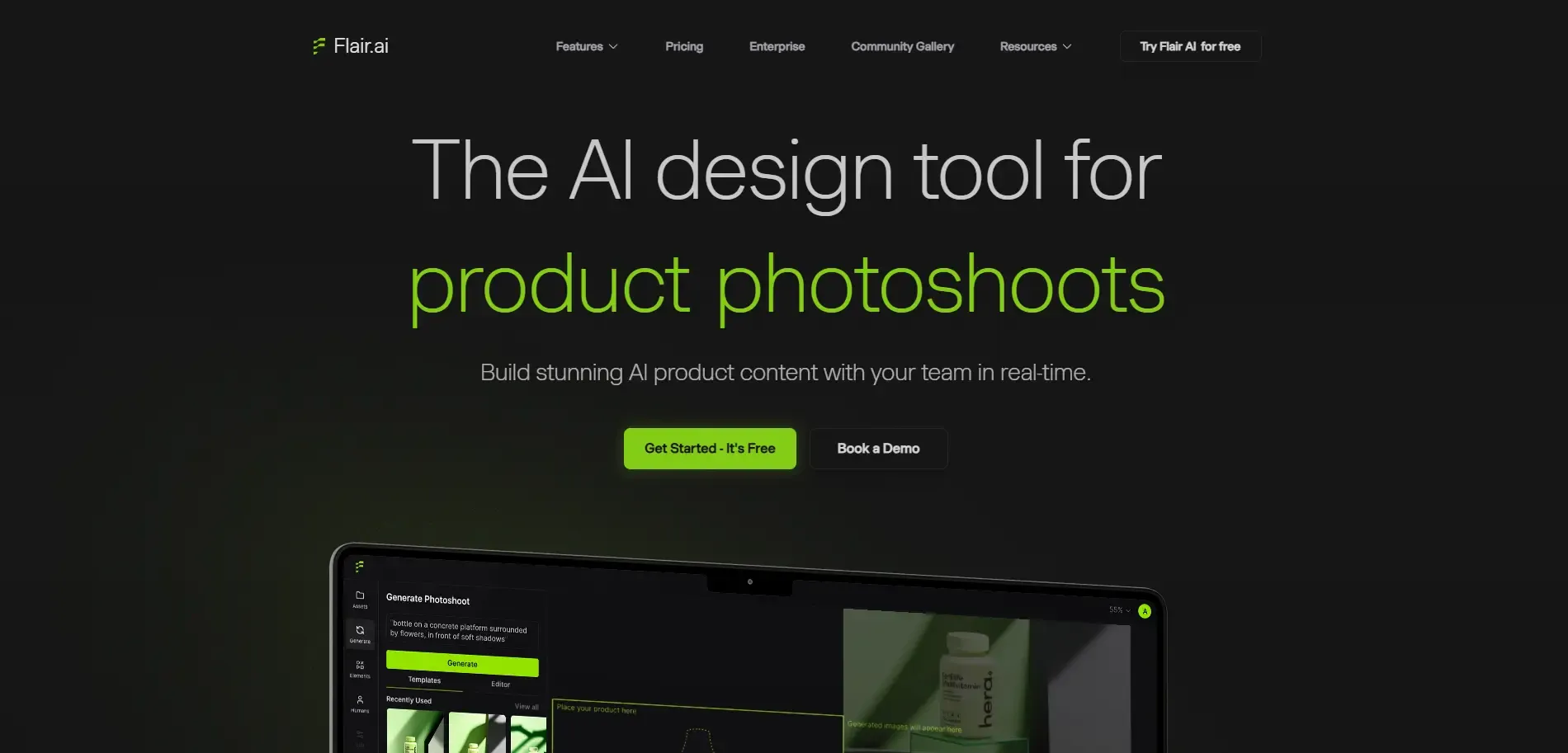
Best for: brands wanting manual creative control over campaign and lifestyle scenes rather than fully automated catalog output.
What it does: Flair.ai is a drag-and-drop virtual photoshoot platform where users compose scenes with 3D props, backgrounds, and AI human models, including a fashion photoshoot feature for fitting clothing and jewelry onto AI models while preserving patterns and logos.
Key features: a fashion photoshoots feature for on-model imagery, custom AI human models configurable by body type, reusable templates, and real-time team collaboration.
Strengths: manual composition gives more creative control than a fully templated tool, custom models can be reused across brand assets, and a free forever tier exists.
Limitations: generated image and custom model counts are tightly capped on lower tiers, which slows batch catalog work, and meaningful capacity for high-volume brands sits at the Scale tier and above.
Pricing: a free plan, then Pro around 10 dollars monthly, Pro+ around 35 dollars monthly, and Scale from around 38 to 55 dollars monthly depending on the source, plus a custom Enterprise tier. Confirm current tiers on flair.ai/pricing.
Who should choose it: brands producing campaign, ad, or social creative where composition control matters more than raw throughput.
Who should skip it: brands needing to process a large catalog quickly with minimal manual scene-building per image.
AI Product Photography Tools Comparison Table
The table below summarizes each tool against the fashion-specific criteria used throughout this guide, using qualitative labels rather than invented numeric scores.
| Tool | Best For | On-Model Images | Garment Fidelity | Model Consistency | Background Control | Batch Workflow | Ease of Use | Pricing Type |
|---|---|---|---|---|---|---|---|---|
| Try AI Studio | Guided fashion and accessories workflow | Good | Not clearly documented | Configurable, needs testing | Good | Not clearly documented for large catalogs | Strong | Subscription plus credits |
| Ayna | D2C photos, video, and listings together | Strong | Not clearly documented | Not clearly documented | Strong | Bulk generation supported | Strong | Free tier plus credit packs |
| Botika | Flat lay to on-model on Shopify | Strong | Reported as variable | Reported as limited at lower tiers | Good | Moderate | Strong | Subscription, tiers unverified |
| BetterStudio | Premium on-model, ethical sourcing | Strong | Not independently verified | Good | Good | Strong | Good | Per-image plus subscription |
| Claid | Cleanup, generation, and modeling suite | Good | Not independently verified | Custom training on higher plans | Strong | Strong on higher plans | Moderate | Credit-based, four tiers |
| SellerPic | Models plus short video | Good | Not clearly documented | Custom models on Growth plan | Good | Batch on higher tiers | Strong | Free plus tiered credits |
| WeShop AI | Affordable, high-volume model library | Good | Not clearly documented | Reported as limited for full collections | Good | Batch editing available | Strong | Free trial plus tiered plans |
| Photoroom | Batch editing plus fashion model tool | Good, newer feature | Not fashion-exclusive | Not fashion-first | Strong | Very strong | Strong | Freemium, four paid tiers |
| Flair.ai | Manual creative control for campaigns | Good | Reported strong on logo and text | Custom models, capped by tier | Strong | Limited at lower tiers | Moderate | Free plus tiered plans |
Which AI Fashion Photography Tool Is Best for Your Brand?
Best for small fashion brands: low entry cost and simple onboarding matter most. Try AI Studio's guided flow and Ayna's free credit tier both fit a brand just starting to test AI photography.
Best for D2C clothing brands: a native Shopify workflow with solid on-model conversion. Ayna and Botika are both built around this exact use case.
Best for large product catalogs: real batch processing and predictable per-image cost. Photoroom's high-volume batch tiers and Claid's credit-based scaling both suit this, though model your actual volume before committing.
Best for on-model fashion photography: realistic drape, pose range, and garment-to-body fit. Botika, BetterStudio, and Ayna are purpose-built for this rather than treating it as an add-on feature.
Best for lifestyle and campaign creatives: manual control over composition. Flair.ai's drag-and-drop canvas and Claid's AI Photoshoot backgrounds both suit campaign and ad work.
Best for marketplace sellers: clean, consistent listing images at volume. Photoroom's batch export strength and WeShop AI's marketplace-formatted outputs both fit this need.
AI Fashion Photography vs Traditional Fashion Photoshoots
Traditional photoshoots involve booking models, a photographer, a studio, and a stylist, then absorbing the cost of reshoots if something goes wrong. Turnaround typically runs days to weeks per collection, and every creative variation means scheduling more shoot time.
AI product photography tools remove the booking and studio steps. A brand can generate multiple on-model images, backgrounds, and creative variations from one flat lay photo in minutes, which scales far better across a large or fast-moving catalog.
Traditional photography still holds real advantages in specific situations. Hero campaign imagery, complex styling with multiple layered garments, and brand storytelling driven by a photographer's creative direction are areas where a human-led shoot can outperform AI output. For routine catalog and listing images, AI tools generally offer a strong cost and speed advantage. For a deeper look, see Try AI Studio's guide on replacing fashion photoshoots with AI virtual models.
Where AI Fashion Photography Works Best
Ecommerce product pages benefit from consistent on-model and flat imagery generated quickly for new SKUs.
Marketplace listings on Amazon, Flipkart, or Myntra can use batch-generated images sized to each platform's requirements.
Fashion catalogs with large SKU counts benefit from strong batch and model consistency features.
New collection launches move faster without waiting for a photoshoot to be scheduled.
Social media content benefits from tools like SellerPic and Flair.ai that pair stills with video or campaign-ready creative.
Paid ad creatives benefit from background and scene variety without reshooting the product.
On-model catalog images are the single most common use case across nearly every tool in this guide.
Where AI Fashion Photography Still Struggles
AI fashion photography has real limitations that vary by tool and by the quality of the source image supplied. Complex garment geometry, such as layered outfits or asymmetric cuts, can confuse a model's understanding of how fabric should fall. Small logos, fine text, and intricate patterns remain among the most commonly reported failure points, since fine detail can blur or shift during generation.
Jewelry and accessory detail, exact color fidelity, and hands remain difficult for many tools, and complex poses can introduce visible distortion. Model consistency across a very large collection is harder to guarantee than consistency within a handful of images.
This does not mean AI fashion photography is unreliable, quality genuinely varies by platform and depends heavily on the sharpness and lighting of the source photo. Every generated image should be checked against the real product before it goes live, since accuracy directly affects returns and customer trust.
How to Choose an AI Product Photography Tool for a Fashion Brand
Does it preserve the exact garment, including shape and proportions? Does it maintain color, pattern, and logo details accurately? Does it support the image styles your brand needs, such as on-model, flat lay, or lifestyle? Can it maintain model consistency across a collection if that matters to you? Can it scale to your monthly SKU count without the cost or workflow breaking down? Is pricing practical at your actual monthly volume, not just the entry-level price? How many generations are typically needed to get one usable, publish-ready image? Can a non-designer on your team use it without a steep learning curve? Does the output resolution meet what your store or marketplace requires? Does it work well with your specific product categories, such as apparel, jewelry, or accessories?
Test the same 3 to 5 real products across two or three shortlisted tools before committing to a subscription. A marketing demo will not tell you how a tool handles your actual garments, fabrics, and logos.
Is AI Product Photography Worth It for Fashion Brands?
Yes, for most fashion brands with frequent launches or large SKU counts, since it can cut production costs and turnaround time significantly compared to a traditional shoot. The value is strongest where volume and speed matter most.
AI photography delivers the clearest value for brands with frequent product launches, high SKU counts, limited production budgets, a need for many creative variations, and smaller teams without in-house photography staff. Ecommerce catalogs that need to stay visually fresh without booking a new shoot every month are a natural fit.
Traditional photography can still justify its cost for hero campaign imagery, high-fashion editorial storytelling, and brand films where creative direction and craftsmanship carry the message. Many fashion brands end up using a mix: AI for catalog and listing volume, and traditional photography for flagship campaign moments.
Conclusion
There is no single tool that wins for every fashion brand, and any comparison claiming otherwise is oversimplifying the decision. The right choice depends on product type, catalog size, whether you need AI models at all, how strict your fidelity requirements are, budget, creative control, and your team's comfort with a new tool.
Small brands and accessories sellers wanting a simple, guided workflow at an accessible price point have a genuinely good fit with Try AI Studio's Fashion and Accessories studios, particularly for Indian D2C brands working in rupee-based pricing. D2C apparel brands on Shopify wanting photos, video, and copy together should look closely at Ayna. Brands whose core need is dedicated on-model conversion at scale should evaluate Botika and BetterStudio against their own garments. Large, mixed-category catalogs benefit from Photoroom's batch strength, and teams wanting manual creative control over campaign scenes should test Flair.ai.
Whichever tool you shortlist, run your own product photos through it before committing to a plan, and if you want to see how a guided, fashion-specific workflow handles your own garments, Try AI Studio's Fashion and Accessories studio is worth a direct test alongside anything else you are considering.