


AI Product Image Generator: Create Studio-Quality Photos in Minutes
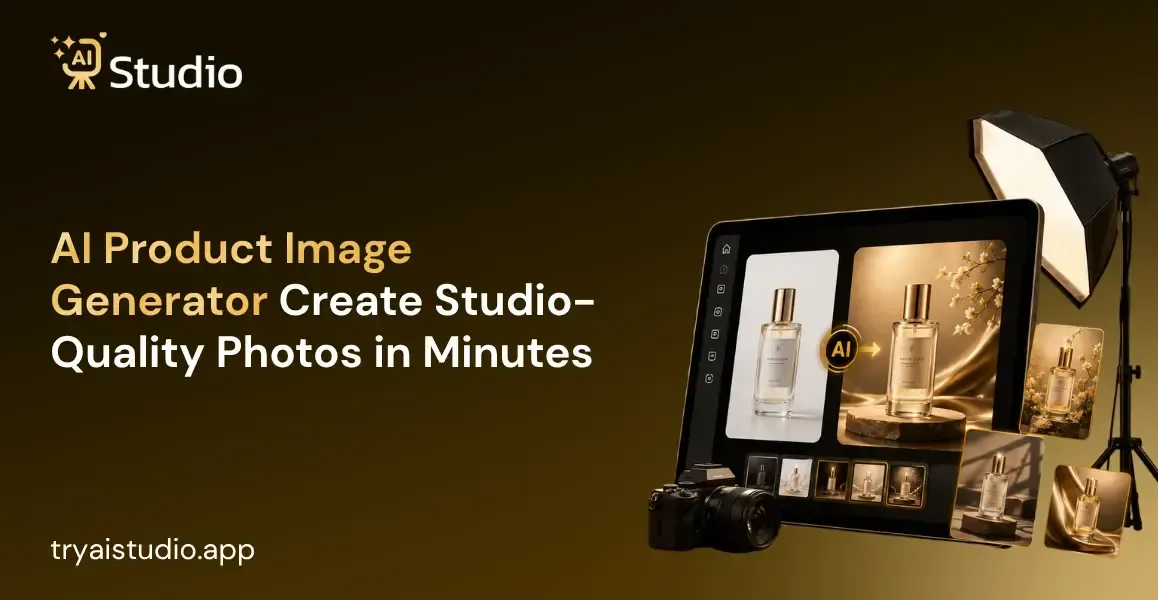
If you sell anything online in India, you must have faced the wrath that an average product photographer has to deal with daily. A simple product photoshoot can range anywhere from ₹10,000 to ₹50,000, and that does not include the time wasted waiting for the photographer to edit and upload the images online.
I, personally, have encountered product photographers who could not deliver satisfactory results due to the sheer number of items that needed a consistent yet eye-catching shot.
This is where a product image AI tool can save both your money and time. You can generate a professional-grade image in seconds as compared to hiring a photographer and an editing team that would take days to deliver an okay result.
In this post, I will be reviewing a product image AI tool and showing you how the results stack up against regular photography and how the e-commerce industry in general is using this product to their advantage.
(Insert product photography comparison image here) ALT text: product image ai before and after example for ecommerce listing
What Is AI Product Photography?
Let me explain what AI product photography is in the simplest terms. It takes pictures of your product using your phone and turns it into a desirable picture with the exact lighting, background, and shadows without the need for a camera, lighting equipment, or a studio.
If you were to visualize the process, you would see a similar analogy. Instead of you spending hours setting up your product and background, you upload one image and an image generator uses an AI to study that picture and recreate it in the same way but with the ideal environment, lighting, and shadows around your product.
This is all very different from the typical online photo editor we are used to. An image editor will be able to enhance the colors or the overall contrast of the picture, but not recreate an entirely different background or put your product in a new environment and make the shadows match.
Once you get your first product image generator, say goodbye to any other photo editing software. Small jewellery sellers who sell during festive seasons would know how much it costs to enhance and retouch pictures.
One jewellery seller told me how she was spending almost ₹15,000 a month on background changes and retouching for her festive collection. But after switching to a free online AI photo editor for day-to-day use and using an ai product photo generator for her main listings, she manages to reduce that ₹15,000 expense entirely. This is what real small-time sellers are doing all over the country without telling anyone.
How Does an AI Product Image Generator Work?
Here is the thing. Most sellers think that AI-powered photo tools are hard to use, although the actual process is quite simple. All you need to do is follow a few simple steps described below.
What actually happens is that the program studies the product's pattern, detaches it from the original background, and replaces it with similar images it has learned to recognize from other products.
Step-by-Step Process
Let me show you how this actually works using a real product, a Pilgrim brightening serum bottle, as the example.
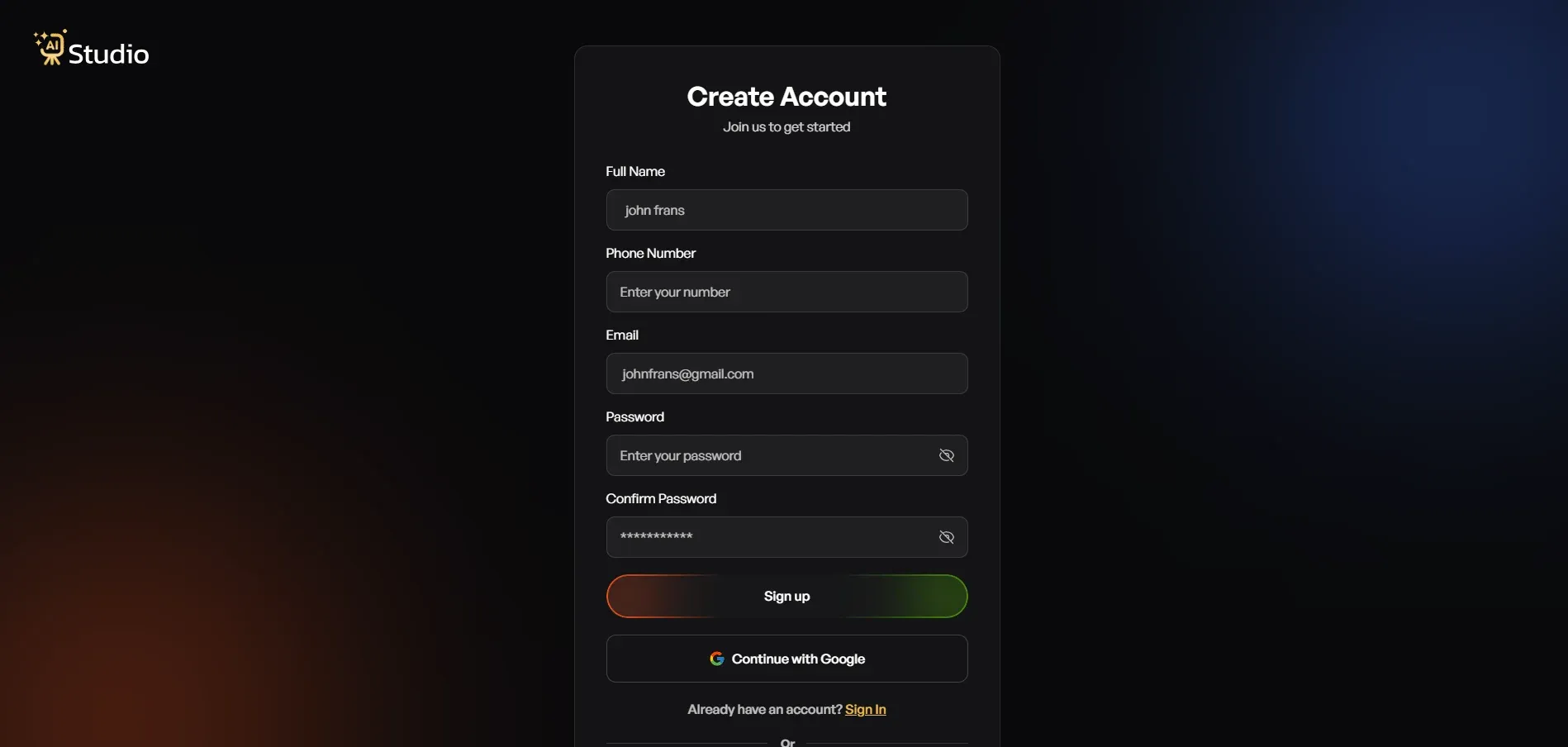
Step 1: Create Your Free Account
- Sign up on the platform and log in.
- No credit card is needed just to get started, so you can explore the dashboard first.
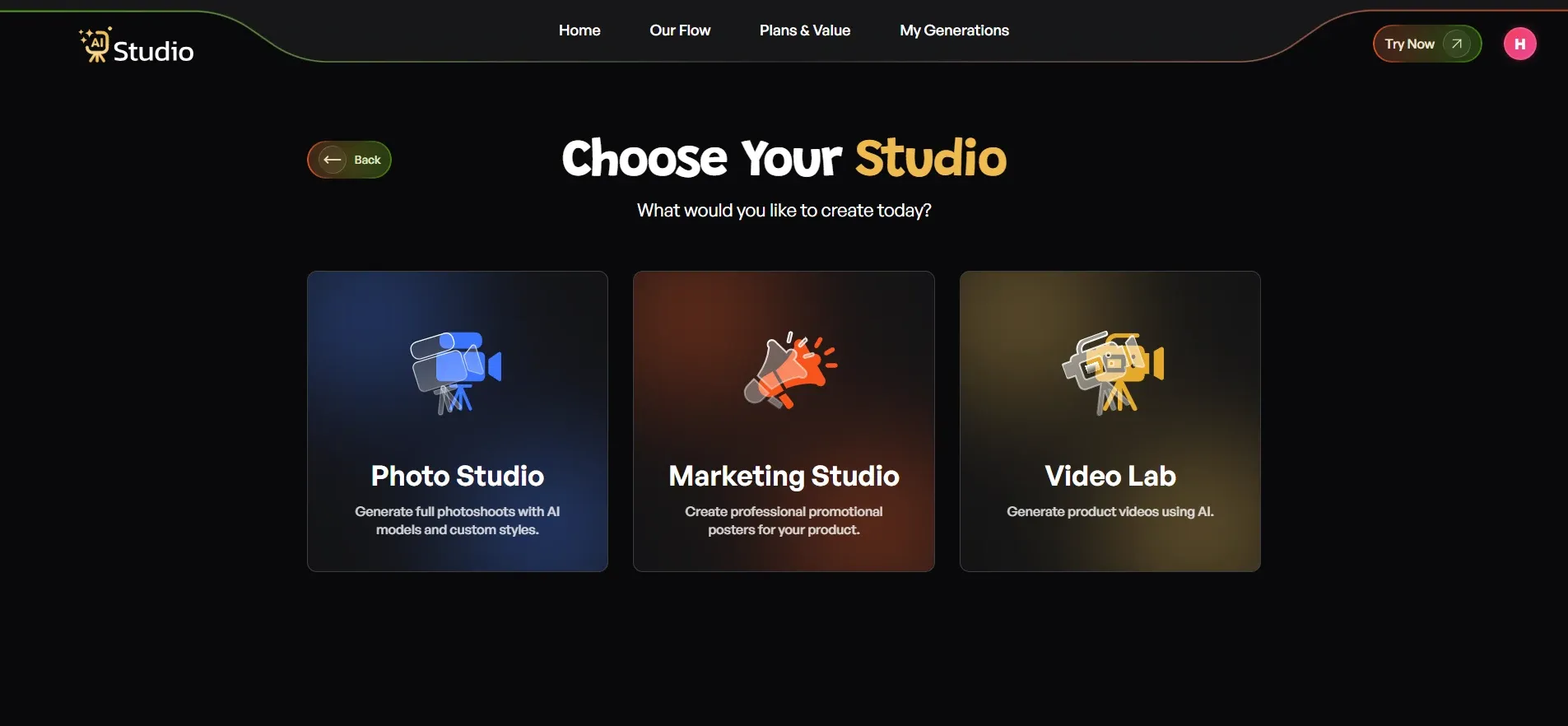
Step 2: Choose Your Studio
Once you are inside, you will usually see a few options like Photo Studio, Marketing Studio, and Video Lab. For product images, Photo Studio is the one you want.
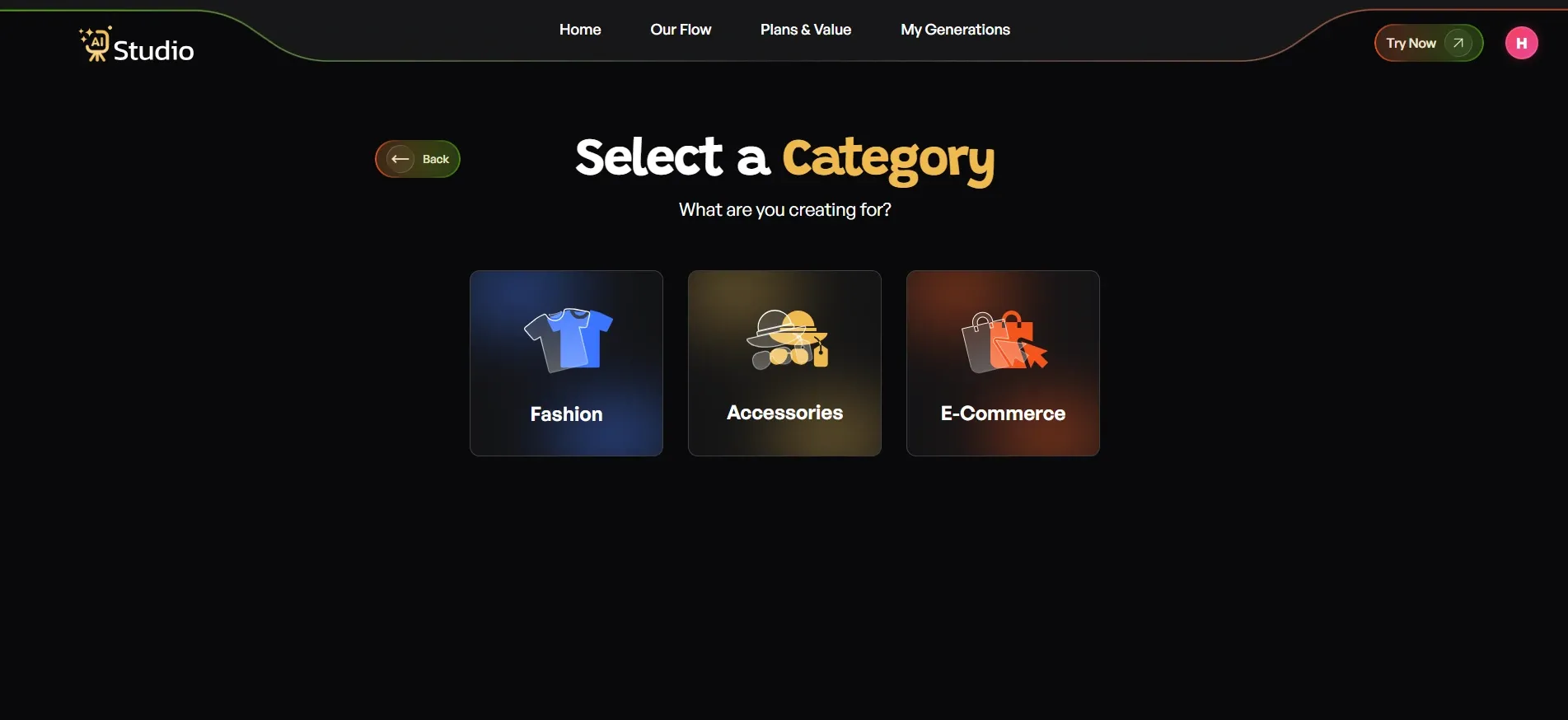
Step 3: Select Your Category
- Pick the category that matches what you sell.
- For a serum bottle like this one, you would choose E-commerce, and Fashion or Accessories for clothing, jewellery, watches, or bags.
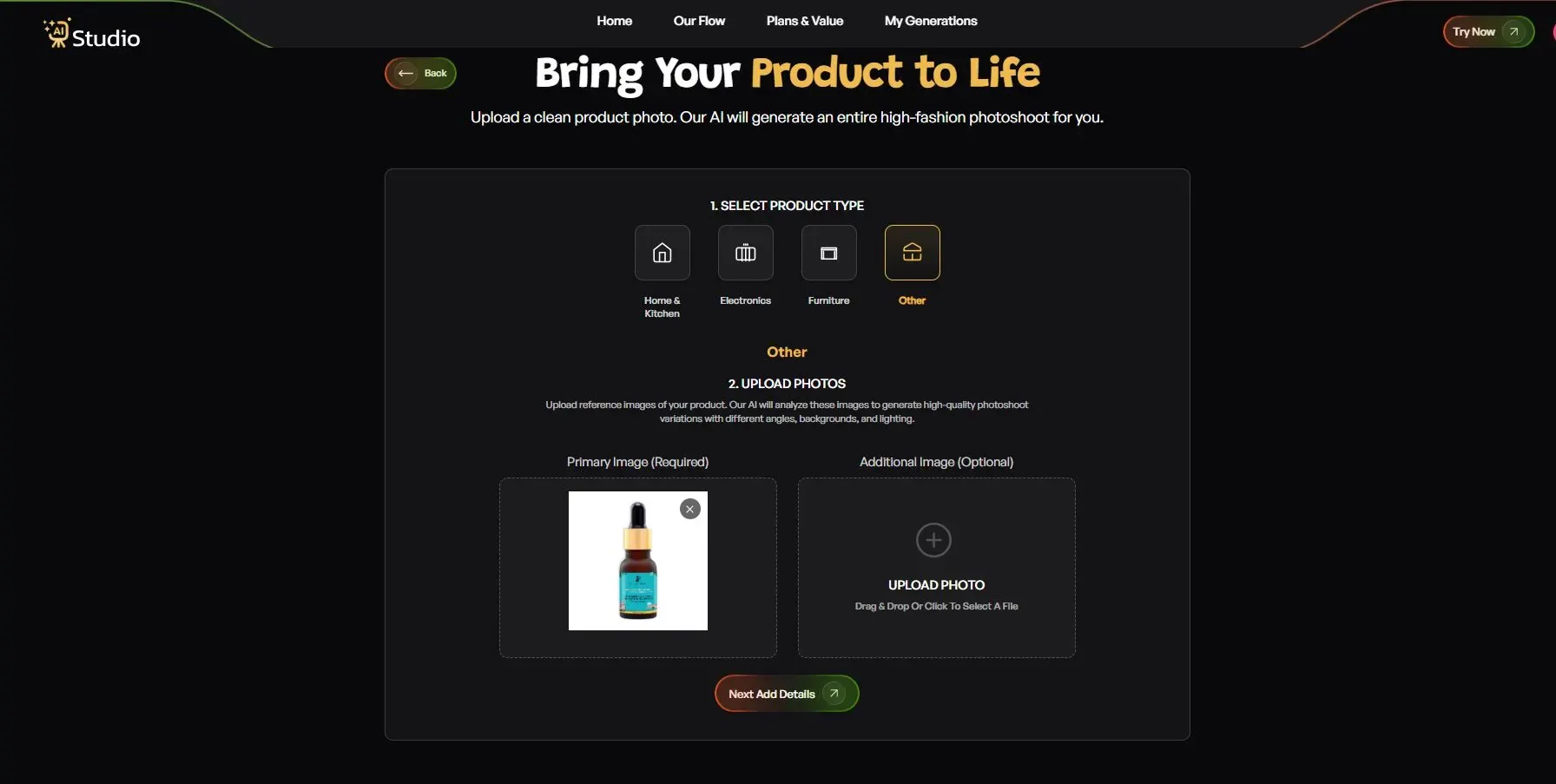
Step 4: Upload Your Product Photo
This step decides most of your final image quality.
- Pick your specific product type, for example, Serum, Cream, or Bottle
- Upload your Primary Image, a clear, front-facing photo like the Pilgrim serum bottle example
- Add a second angle if you have one, which is optional but helpful
Step 5: Fill In the Final Details
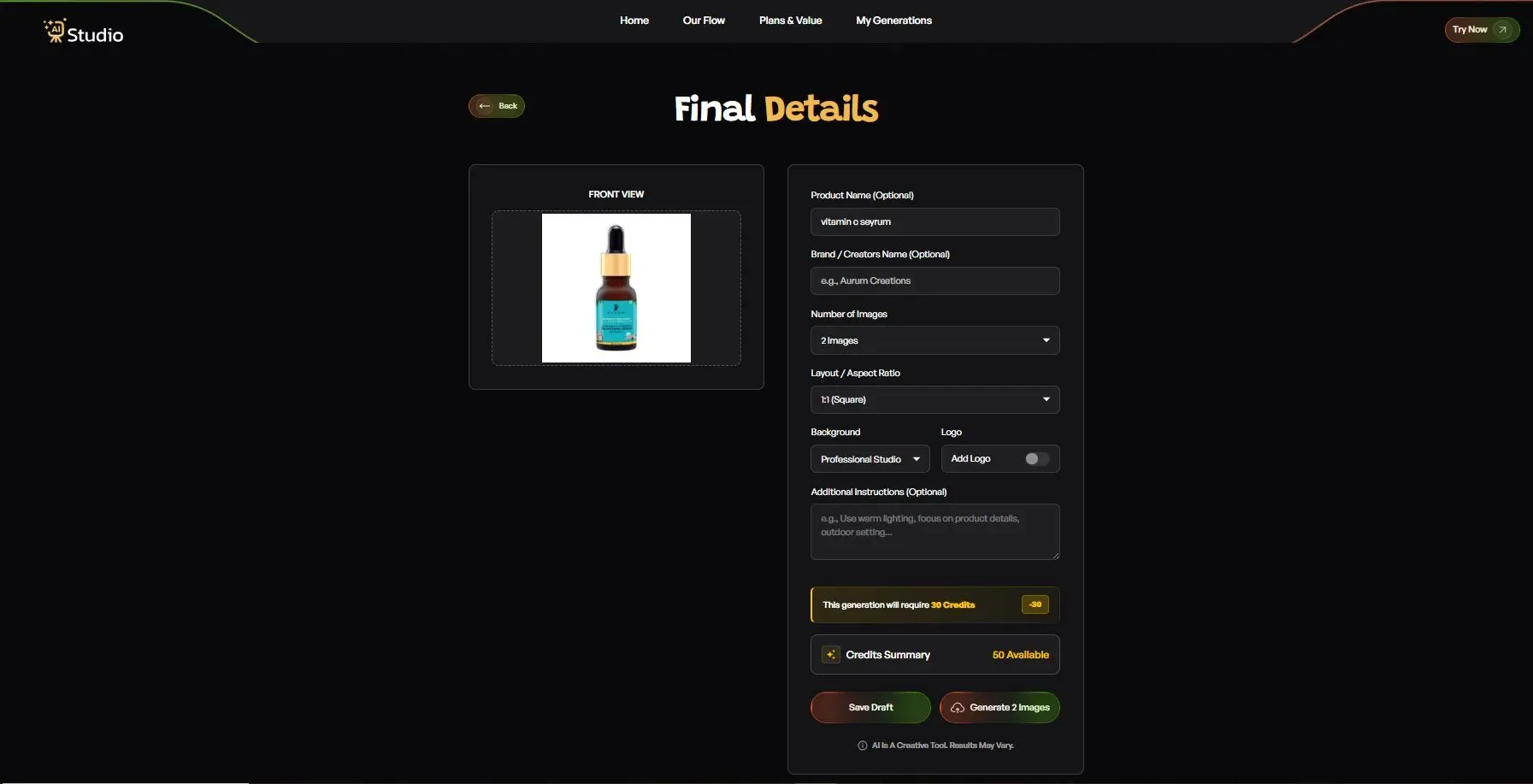
Before generating, you can customise a few things.
- Add your Product Name and Brand Name, optional but keeps things consistent
- Choose how many images you want, such as 2, 4, or more
- Pick your layout, like 1:1 square for Amazon or 4:5 for Instagram feed
- Choose your background, Solid White for Amazon's main image or a lifestyle background for Shopify and Instagram
- Add any extra instructions, like "clean studio lighting, soft shadow, front-facing bottle"
Step 6: Download Your Image
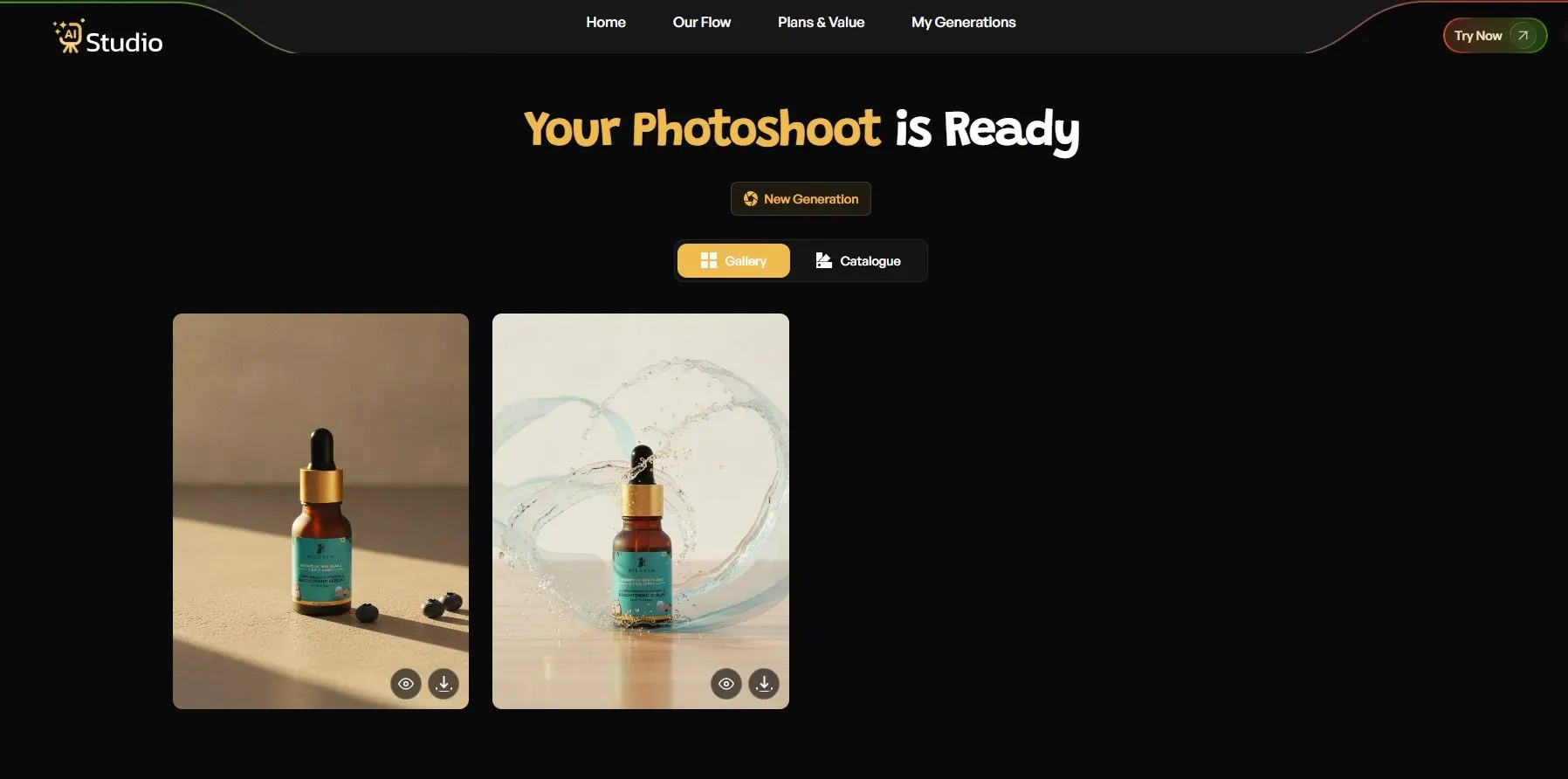
Click Generate, and your image is usually ready within seconds, in full resolution and ready to upload straight to your Amazon listing, Shopify store, or Flipkart catalog, with no extra retouching needed.
What Makes Results Look Studio Quality
The reason these pictures are so impressive is clear. The program takes care to maintain lighting direction, shadows, and proportions of the object. These three details are what make the image look like it was taken in a real studio, with real light and cameras.
AI vs Traditional Product Photography
Let's talk numbers, because this is usually the deciding factor for most small sellers.
Cost Comparison
A single photoshoot in India can easily cost you anywhere between 10,000 and 50,000, depending on the location, the studio, and the model, if you are planning to shoot with one. Now multiply this number by 20 if you have 20 products, and this turns out to be an expensive affair. On the contrary, tools that offer AI product photography start at less than 600 per month with options for high-volume image generation.
Turnaround Time
Here's something to think about. Traditional photo shoots take days to plan, stage, and edit. An ai to generate product images workflow takes minutes. If you're planning to launch a new product line before a major holiday sale, you know which one gives you enough time to get your shots in before the event.
Where Traditional Photography Still Wins
I feel obliged to note this because I am not going to overinflate the usefulness of any tool. For extreme cases, where detail is paramount, such as fine jewellery photography with detailed engraving or complicated work with stones, good old photographers with the right equipment would still manage to take much better close-up photos than AI. But in most cases, for regular product shots on e-commerce sites, AI seems to be more than sufficient.
Best AI Tools for Product Photography (Free & Paid)
There are quite a few options in the market right now, and it helps to know what separates them.
| Tool Type | Background Options | Resolution | On-Model Generation | Best For |
|---|---|---|---|---|
| Free tools | Limited (usually 3-5 styles) | Low to medium | Rarely available | Testing quality before committing |
| Background removal only tools | Plain or transparent background | Medium to high | Not available | Quick cutouts, basic listings |
| Paid ai product photography generator tools (like AI Studio) | Wide range, category specific | Full resolution | Available on select plans | Full catalog production, Amazon and Shopify ready images |
Try searching for a product photography tool mentioning best ai product photo generator features like category-specific templates and automated product photography software-style bulk upload so you can batch upload an entire catalog at once.
Combined AI background remover and product stager features also tend to have better lighting and shadows than if you were to do either on their own.
A product photography app free plan should be sufficient to test out the quality yourself, as a tool like AI Studio, for instance, can make you a professional-looking product image in seconds, and it's about ₹600 a month, which is much cheaper than buying individual photos.
How to Create Amazon & Shopify Ready Product Photos with AI
Getting a good-looking photo is only half the job. It also needs to meet the actual platform requirements, or your listing can get rejected or flagged.
Platform Image Requirements
Here's a quick reference for what each platform expects from your main listing image.
| Platform | Background | Resolution | Product Framing |
|---|---|---|---|
| Amazon | Pure white | At least 1000px on the longest side | Product fills most of the frame |
| Flipkart | Clean, plain background for primary image | High resolution for zoom | Additional lifestyle images allowed as secondary photos |
| Shopify | Lifestyle or plain, flexible | High resolution for zoom | Consistency across the catalog for a professional storefront look |
Step by Step Walkthrough
To enhance the way how to improve Amazon listing images, nowadays, many sellers have begun to employ AI product photography tools such as the AI Studio. Fortunately, the process is similar to what we saw in previous steps: sign up, choose the Photo Studio, specify the category and subcategory, upload an image, fill out the product description, and get a picture ready to be uploaded to a listing.
(Insert product photography example here: side-by-side of Amazon-compliant white background image vs Shopify lifestyle background) ALT text: AI tool to create Amazon listing images and Shopify product photos
Tips to Get the Best Results from AI Product Photography
A few small habits can seriously improve your output quality, even with the best tool available.
- Start with a clear, well-lit source photo. AI can improve a photo, but it cannot fix a badly blurred or dark original image
- Choose a background style that actually fits your product category. A festive backdrop works great for fashion but may look odd for electronics
- Use on-model generation when your product needs to show fit or scale, especially for clothing and accessories
- Keep your product centered and avoid cluttered surroundings in the original photo, since this helps the AI separate the product cleanly
For product photography tips for sellers, the most important consideration is to maintain consistency. Five product photos with five different lighting styles in one listing will look unprofessional, regardless of how good each photo is. I've seen companies utilise AI Studio to design thousands of unique product images with the same look and feel for their entire product catalog, without a single model.
Having said that, product photography with models is a must for clothing retailers who want to show fit without spending budgets on hiring models and photographers. This alone can save a D2C fashion label over a hundred thousand rupees every month.
Conclusion
Product photography need not be an expensive affair. Thanks to an AI-based product image tool, Indian sellers on Amazon, Flipkart, and Shopify can now generate studio-quality images in minutes, saving them from wasting both time and money on a photoshoot.
This new product image AI tool enables sellers to get their pictures taken within the comforts of their home without needing to book a studio, hire a model, and wait for editing and retouching. Whether you are into apparels or Jewelry or even Accessories, the AI Studio promises to help you keep your listings up-to-date with minimal hassle and cost.
So if you have been thinking about redoing your image listings due to high costs, then maybe it is the right time you consider trying out this AI-powered tool.